The Sims 4 CC Hair- Blonde Streaks Bug (FIX)
So i found out that the fix for the custom content blonde hair streak bug is to turn off laptop mode, however i had been experiencing very bad lag problems every time i turned it off so i gave up trying to fight it, however, i played around with the settings for a little bit and found that they DID reduce the lag a LOT, eventually it got to a point where my game was completely playable with reduced lag as well as having reasonably good graphics and those horrible blonde streaks in my CC hair were gone!
The settings i use for my game are these:
Sims- Very High
Objects- Medium
Lighting- Medium
Reflections- Low
Visual Effects- Medium
Edge Smoothing- Off
3D Scene Resolution- High
View Distance- Low
Uncompressed Sim Textures- Unchecked
Post Processing Effects- Unchecked
Laptop Mode- Unchecked (YOU MUST LEAVE LAPTOP MODE UNCHECKED TO ENSURE YOU WONT GET THE AWFUL BLONDE HIGHLIGHTS!!!)
I hope this helps some of you to enjoy the sims 4 custom hair while also having your game run smoothly 🙂
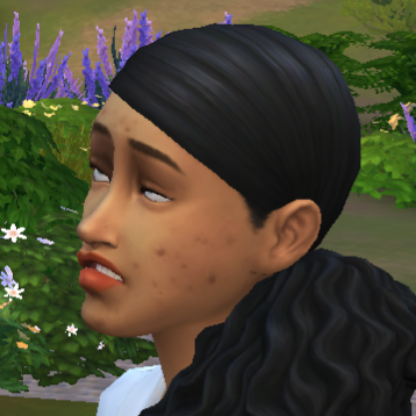
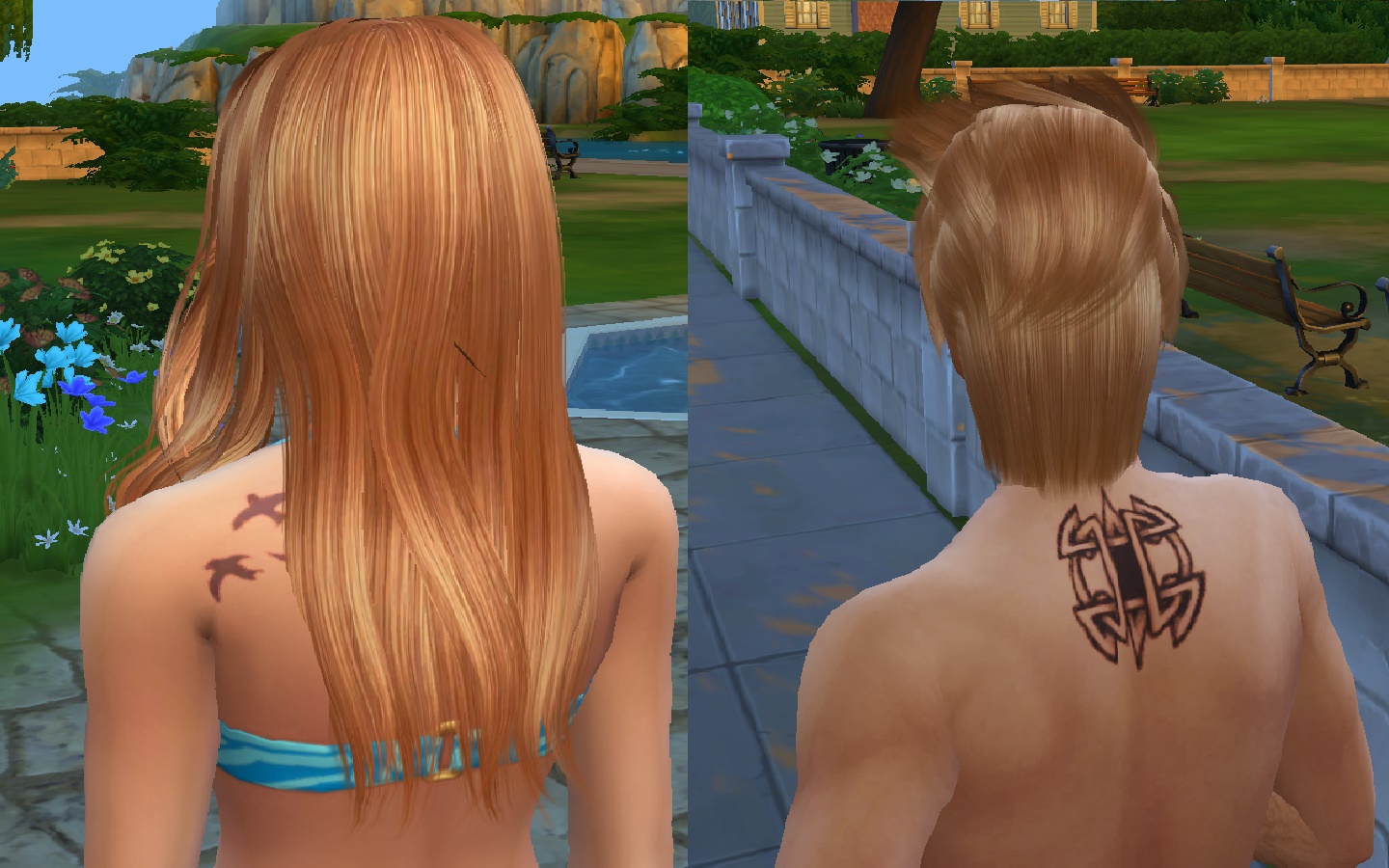
P.S: Screenshots are provided to show what the graphics and hair looks like in these settings!
Happy Simming!
@lambinabush wrote:
So i found out that the fix for the custom content blonde hair streak bug is to turn off laptop mode, however i had been experiencing very bad lag problems every time i turned it off so i gave up trying to fight it, however, i played around with the settings for a little bit and found that they DID reduce the lag a LOT, eventually it got to a point where my game was completely playable with reduced lag as well as having reasonably good graphics and those horrible blonde streaks in my CC hair were gone!
The settings i use for my game are these:
Sims- Very High
Objects- Medium
Lighting- Medium
Reflections- Low
Visual Effects- Medium
Edge Smoothing- Off
3D Scene Resolution- High
View Distance- Low
Uncompressed Sim Textures- Unchecked
Post Processing Effects- Unchecked
Laptop Mode- Unchecked (YOU MUST LEAVE LAPTOP MODE UNCHECKED TO ENSURE YOU WONT GET THE AWFUL BLONDE HIGHLIGHTS!!!)
I hope this helps some of you to enjoy the sims 4 custom hair while also having your game run smoothly 🙂
P.S: Screenshots are provided to show what the graphics and hair looks like in these settings!
Happy Simming!