Forum Discussion

jumpropequeen999's avatar
2 years ago

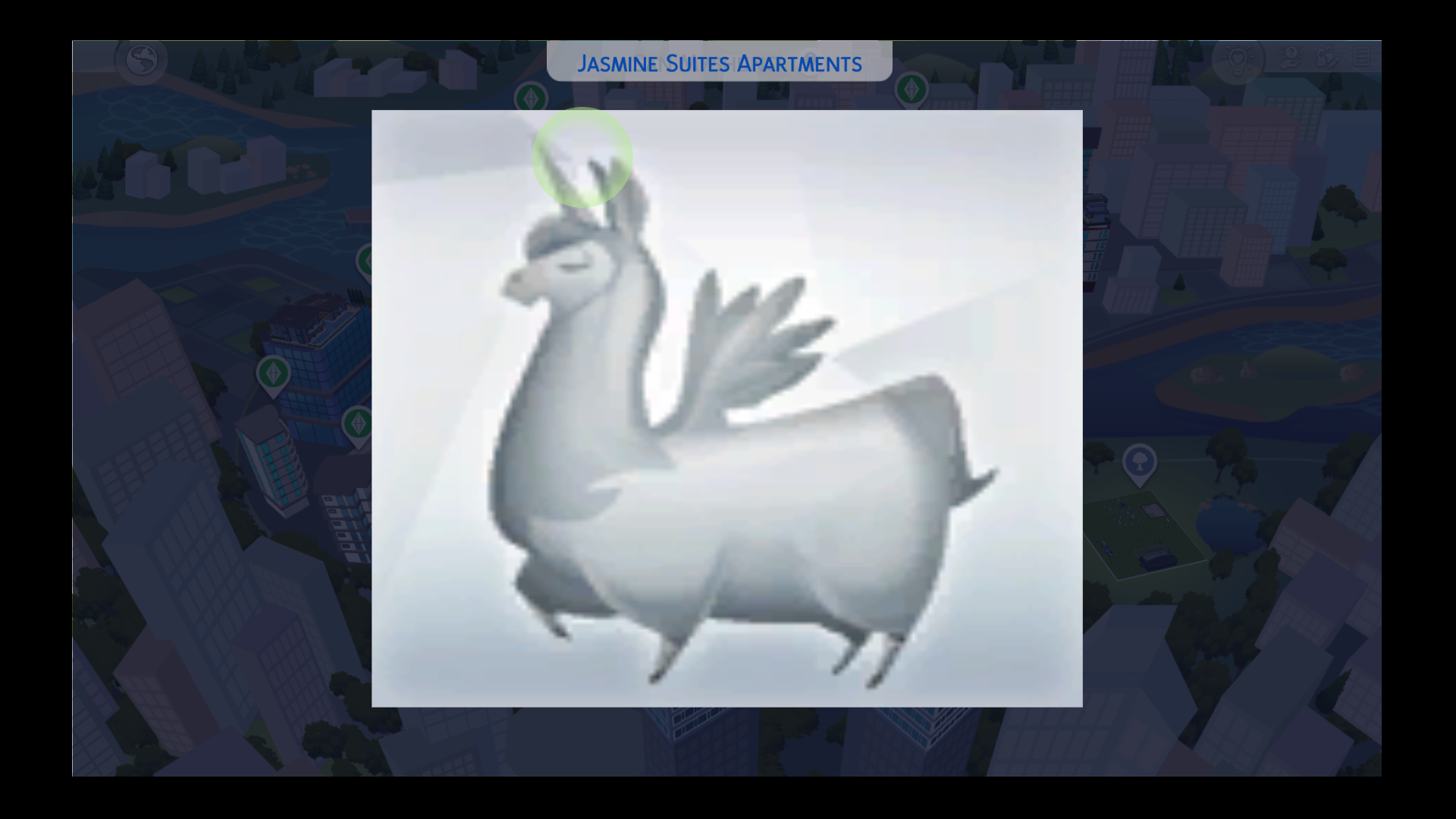
Grey llama on apartment

I am also having an issue with the Jasmine Suits Apartment in San Myschuno, it’s been like this for a while where for some reason when I click on it, it just has this grey llama icon over it. I honestly don’t know what else to say about this. I would really like to use this apartment it’s honestly one of my favourite in San Myschuno. I’ve had this issue before a few years ago where all of the lots were like this so I uninstalled my game and all of my packs and it was back to normal but I have done this multiple times now. I am playing on Xbox One, no mods, no cc. How do I fix this?

27 Replies

  • EA_Solaire's avatar
    EA_Solaire
    Icon for Community Manager rankCommunity Manager
    2 years ago

    @islaaaa11 

    I've merged all your posts together as it sounds like you're seeing corruption in your current game save if these bugs are not occurring on a brand new save file. These issues can happen with very old save files and save files with a lot of played households.

    If the save file has become corrupt, we wouldn't be able to restore it, as these files are stored locally to your console, however we can move your Sims over to a brand new save file instead so you can continue playing with your families. You can upload your current played families into the Gallery and then download them into a brand new save file and play with them there- do the same for any lots or builds you want to carry over to the new save file as well. However, doing this will reset these Sim's relationships with anyone outside of the household, and will remove any items in their inventories. 

  • EA_Solaire's avatar
    EA_Solaire
    Icon for Community Manager rankCommunity Manager
    2 years ago

    @islaaaa11 

    The best way to prevent an issue like this from occurring again would be to try and keep your save files just a bit smaller. As this save file was from 2018, it was most likely very large- if you play with multiple families, you can split these families between different saves to reduce the save file size. 

    For console, you can have up to 5 different save files, so I do recommend using all 5 to split up your households to reduce the size of those different save files. 

  • I’m really sorry to keep bothering you about this but I am still having this issue. I have started playing in my new save file, I transferred all of my households and builds over to a new save, I cheated all of their relationships back this all took me about five hours yesterday. I loaded in today and was so excited to play again I played for about an hour and then left, I went back a few hours later and this bug was STILL happening. This is really frustrating for me I took so much time out of my day yesterday to transfer them all only for this to still be happening. I lost a 7 generation family tree it took me three years and I was aiming for 26 to unlock the achievement

  • EA_Solaire's avatar
    EA_Solaire
    Icon for Community Manager rankCommunity Manager
    2 years ago

    @islaaaa11 

    Sorry to hear this has popped up again! Could you open a bug report on this issue here please so we can track this further?