Forum Discussion

3 years ago
Hi everyone!
I just bought an external hard drive with 2 TB and i tried watching a bunch of yt videos on how to move sims 4 and my mods and cc onto the drive and i tried following the guide from bluebellflora but it just isn't working.
when i followed all the steps from the bluebellflora guide it worked until i reached step 2 cause the electronic arts folder kept reappearing in my documents folder but not as an alias folder as it should have - but i kept following the steps and i changed the game library location to /volumes/sims (i named my hard drive that) but when i opened the game afterwards, it just started up like a completely new game without any saves and cc/mods. it's like it was still using the electronic arts folder from my documents folder and i don't know how to prevent that.
i already did the whole disk utility thing with erasing and stuff.
Now i've but everything back in the documents folder like it was before but the game is still running slow.
i would really appreciate it if someone would help me step by step since i'm so tired of my game being so slow and i don't wanna have wasted money on a hard drive i can't use.
I'm playing on an imac btw🙂
 Bluebellflora3 years agoHero+@c66axczx
The game library location in Origin is completely irrelevant when creating the symlink for the Sims 4 folder.
Merged into the master thread on creating a symlink.- 3 years ago
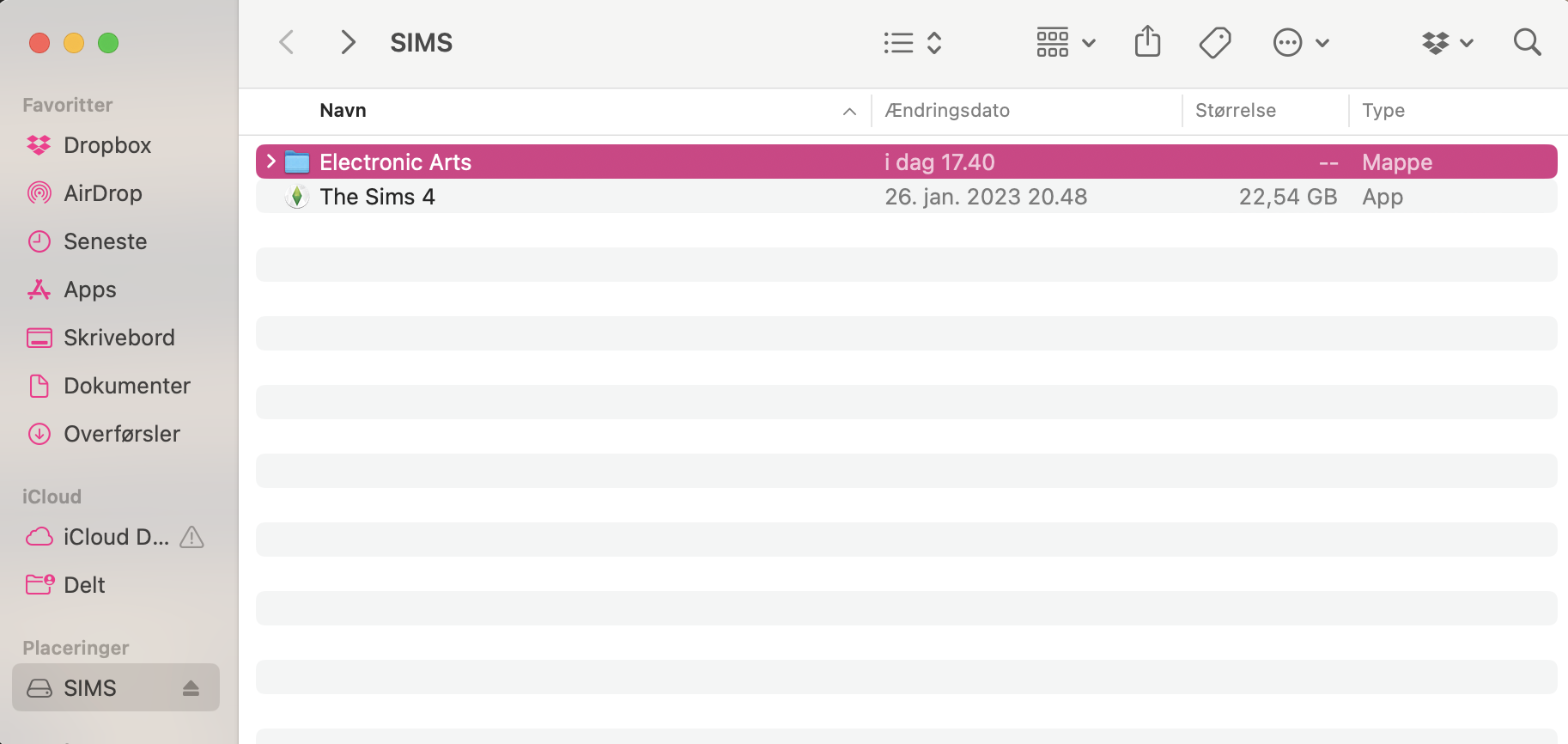
okay... i tried doing all the steps again but it's still the same problem. The electronic arts folder in my documents folder is still a regular folder and not an alias and when i open the game none of my saves or cc//mods are. in the game, like it's still playing from my documents folder.
I attached some screenshots of what my folders look like and also the library location in origin (i didn't touch it this time but just in case cause idk if it's looking right)
- Bluebellflora3 years agoHero+
@c66axczx
The alias isn’t being created in the local Documents folder because you are not correctly copying/pasting the command I provided in Step 2 and substituting your internal drive name into the file path. When you launched the game again it simply created a new Sims 4 folder locally which you have to now remove before attempting the symlink again.
Featured Places