Forum Discussion

Bluebellflora
3 years agoHero+
@c66axczx
The game library location in Origin is completely irrelevant when creating the symlink for the Sims 4 folder.
Merged into the master thread on creating a symlink.
The game library location in Origin is completely irrelevant when creating the symlink for the Sims 4 folder.
Merged into the master thread on creating a symlink.

3 years ago
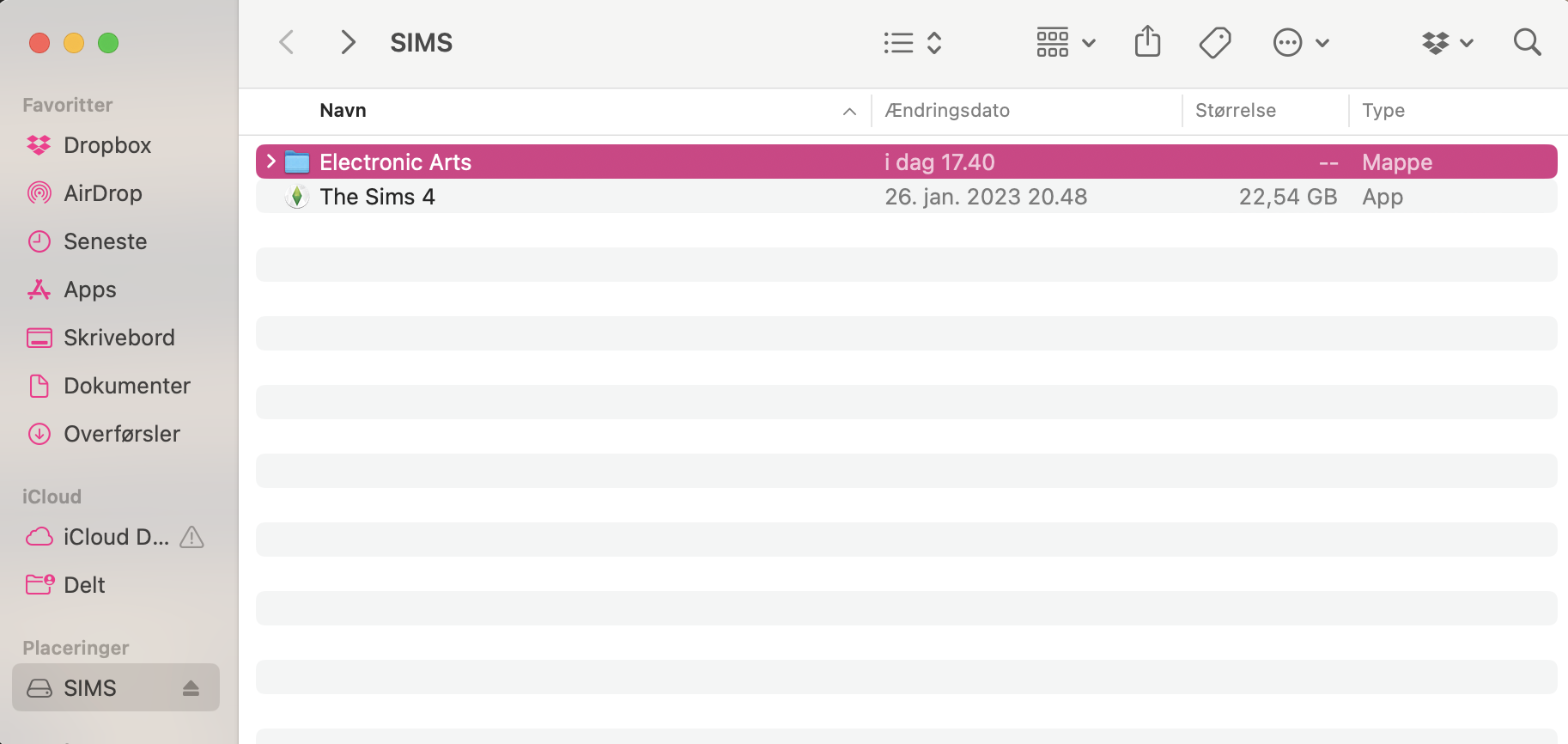
okay... i tried doing all the steps again but it's still the same problem. The electronic arts folder in my documents folder is still a regular folder and not an alias and when i open the game none of my saves or cc//mods are. in the game, like it's still playing from my documents folder.
I attached some screenshots of what my folders look like and also the library location in origin (i didn't touch it this time but just in case cause idk if it's looking right)
- Bluebellflora3 years agoHero+
@c66axczx
The alias isn’t being created in the local Documents folder because you are not correctly copying/pasting the command I provided in Step 2 and substituting your internal drive name into the file path. When you launched the game again it simply created a new Sims 4 folder locally which you have to now remove before attempting the symlink again.- 3 years ago@Bluebellflora does the command from step 2 need to be in the same terminal as the command from step 1? or does it not matter?
- Bluebellflora3 years agoHero+
Featured Places