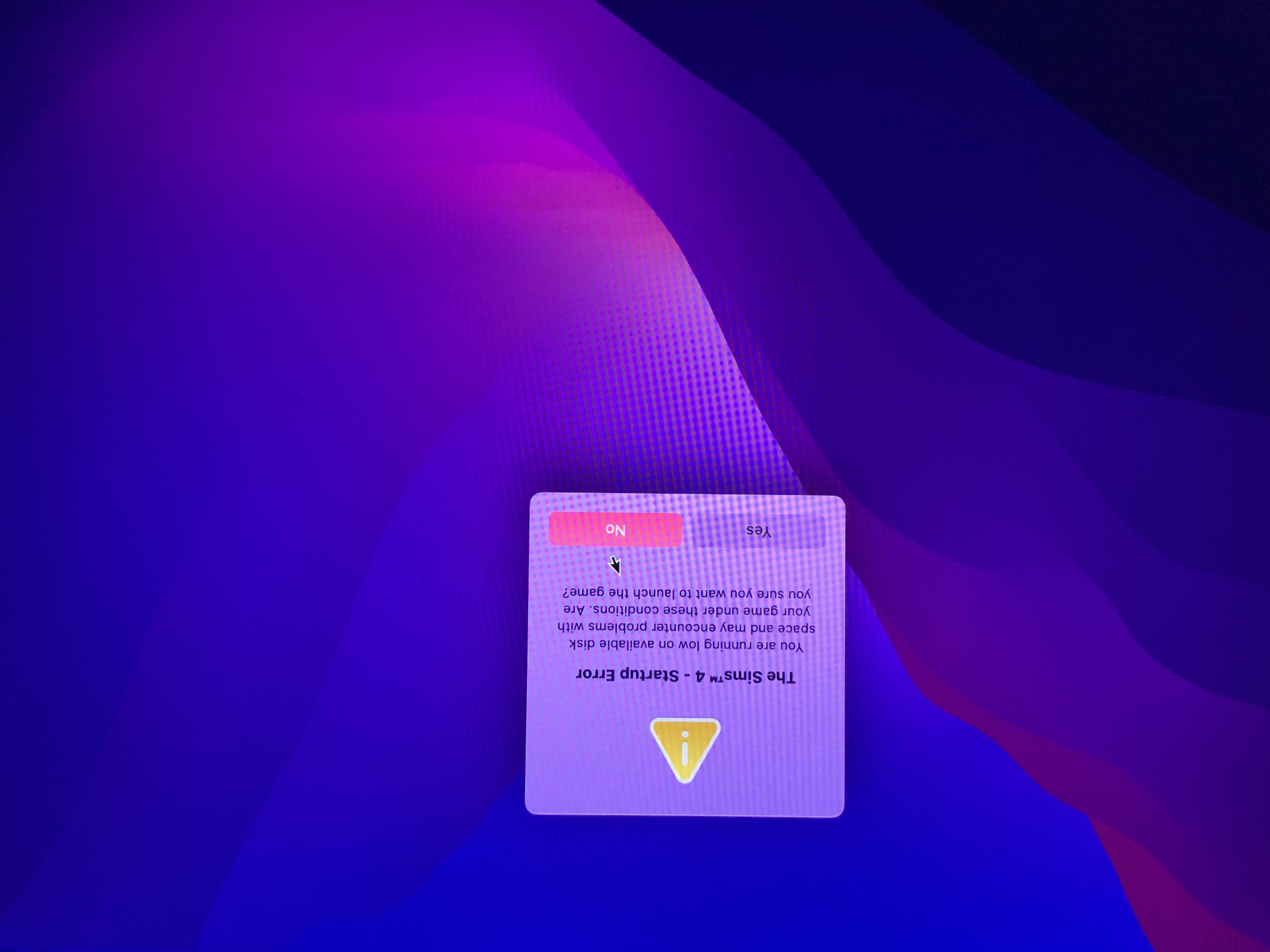
Re: Sims wont download on external hard drive!
@alajahxx
It looks like there may be a mounting problem with your drive as the OS has added a 1 to the mount point. You can see this in the Disk Utility screenshot. It can be caused by not properly ejecting the drive or having two drives with the same name plugged in, similar to files of the same name populating in the same Finder location.
Try the suggestion in my previous post and make sure you unplug all peripheral devices before restarting your Mac.
It looks like there may be a mounting problem with your drive as the OS has added a 1 to the mount point. You can see this in the Disk Utility screenshot. It can be caused by not properly ejecting the drive or having two drives with the same name plugged in, similar to files of the same name populating in the same Finder location.
Try the suggestion in my previous post and make sure you unplug all peripheral devices before restarting your Mac.