[READ FIRST] Saves, CC/Mods or Library items disappeared? iCloud issues
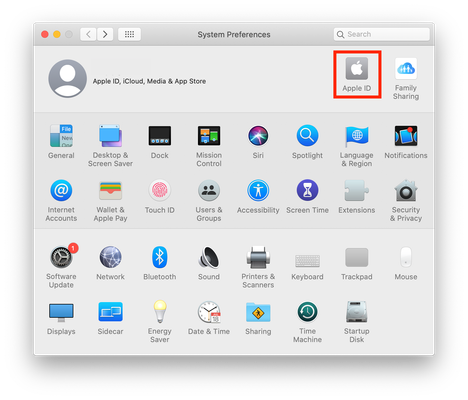


@SarahAnn8771 Your user data folder (the Sims 4 folder in Documents\Electronic Arts) may have been deleted or moved, which is why the game isn't loading your old saves anymore. The most common cause of saves disappearing is the Sims 4 folder, along with the entire contents of Documents, being uploaded to cloud storage: OneDrive in Windows, or iCloud in macOS. Please look there for a second Sims 4 folder. If you find one, you can move the entire folder, or just the content you want, back to its proper place in Documents\Electronic Arts.
If you can't find a second folder, or you find your content but can't get it to load, please let me know whether your computer runs Windows or macOS.