Forum Discussion

PepsiGirl51's avatar
1 year ago
Solved

About White Screen showing up on sims 4 game

Hi all, i am playing sims4 game on my laptop . my laptop is 15 inch hp. and the processor is AMD Ryzen 3 3250U with Radeon Graphics 2.60 GHz. it has 32 ram and 1 tb harddrive. 

I dont use mods or cc content in my game. When my sims4 loads loads up white, and then it brings up the game symbol and such. I have tried everything that it had said in the comments, but again i dont use mods or cc content, I have also tried a new save, new game, and its not  my graphics card because i tried to update that too and it said that i have the current one, 

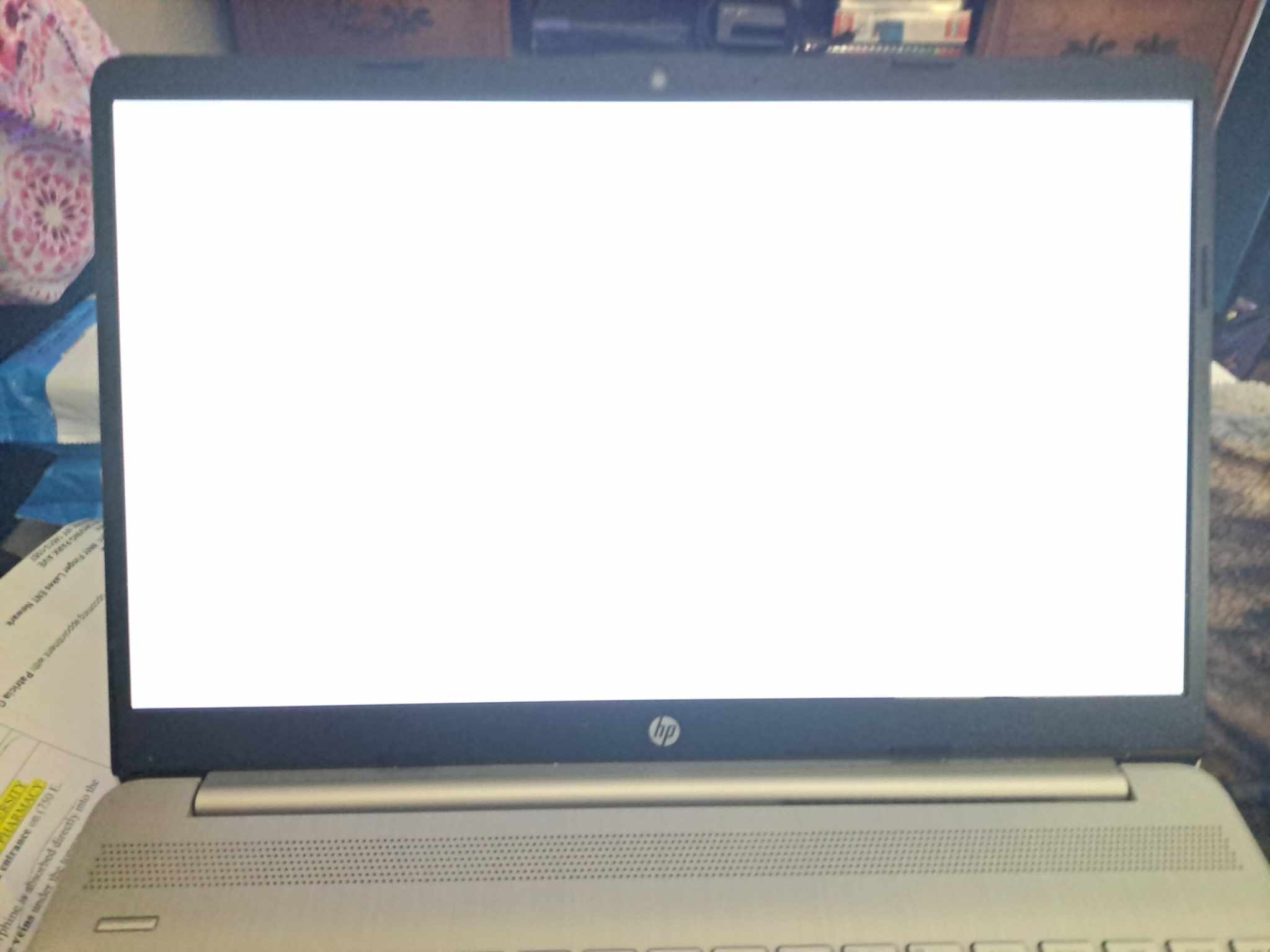
I am wondering can an update on the laptop cause this to go white , i have put a picture of the screen for you to look at . Is there another way to fix it this or should i report to sims4 devs 

  • @PepsiGirl51  Try forcing the game to open in windowed mode.  Open Options.ini, in Documents > Electronic Arts > The Sims 4, search for fullscreen , and set it to 0 (zero).

    Other than that, the issue might be graphics driver-related.  The problem is, HP laptops don't always allow the installation of a generic driver from Intel or AMD.  So the first step is to see whether HP offers one.  Go here:

    https://support.hp.com/us-en/drivers/laptops

    Enter your laptop's serial number, choose your OS (just Windows 11 is fine) if asked, and you'll land on the driver download page.  I would suggest allowing HP to look for updates since you may have other older drivers.  When you're done, save the link to that page, restart your computer, and try again to play.

    If you see the same issue, please post a new dxdiag.  Please also link the driver download page from HP.  That page doesn't contain any information about your own laptop, just the overall model.

4 Replies

  • PepsiGirl51's avatar
    PepsiGirl51
    1 year ago
    @puzzlezaddict wanted to let u know i had done a factory reset on my laptop thinking that might help and it didnt. there is nothing in the configure override folder in the document section since i have done this, I have direct x12 and it was doing this while it was on this. I have put it in direct x9 thru the game as someone else tried to help me with it, but now the white screen comes but its lot quicker then turns black and then it goes to the sims 4 game. now not sure about the 11 mode- because i was told that if the 9 was clicked on it was by default or something like that i dont remember exactly what she said. and i do have a hard time explaining things as well.
  • PepsiGirl51's avatar
    PepsiGirl51
    1 year ago

    I have done the dxdiag on my laptop but not sure if i am going to be able to send it to you guys thru here. its in the file. i hope u can read it and please remove it when u are done with it. ty 

  • puzzlezaddict's avatar
    puzzlezaddict
    Hero+
    1 year ago

    @PepsiGirl51  Try forcing the game to open in windowed mode.  Open Options.ini, in Documents > Electronic Arts > The Sims 4, search for fullscreen , and set it to 0 (zero).

    Other than that, the issue might be graphics driver-related.  The problem is, HP laptops don't always allow the installation of a generic driver from Intel or AMD.  So the first step is to see whether HP offers one.  Go here:

    https://support.hp.com/us-en/drivers/laptops

    Enter your laptop's serial number, choose your OS (just Windows 11 is fine) if asked, and you'll land on the driver download page.  I would suggest allowing HP to look for updates since you may have other older drivers.  When you're done, save the link to that page, restart your computer, and try again to play.

    If you see the same issue, please post a new dxdiag.  Please also link the driver download page from HP.  That page doesn't contain any information about your own laptop, just the overall model.