[CURRENT ISSUE] Sims 4 Problem With Your Game's Setup
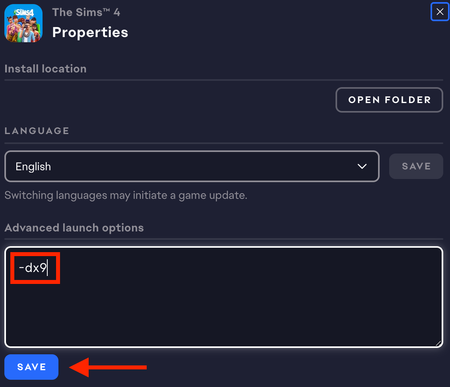

I keep getting this same error message (see image) even after I've; repaired the sims, repaired EA app and Steam, reinstalled EA app and the sims, running as admin, moving The Sims 4 folder to desktop AND renaming the mods folder (worth noting I do have a lot of custom content and if there's anything else I should try concerning that apart from removing and renaming the folder please let me know), tried running with the -dx9 command, cleared EA app cache, updated GPU drivers and Windows, stopped the EA Background Service and other related tasks from task manager, and double checked for updates concerning anything I could think of.
It suddenly stopped working after I downloaded gshade, I have uninstalled gshade and tried to remove all files related to it but I'm not sure if its all gone as the sims still wont open.
I'm assuming it's related to gshade because I opened the sims right before I downloaded it, and after restarting my pc I could no longer launch.
Any help is appreciated.
I saw a lot of these floating around so I might as well attach mine here. Have absolutely no idea how to read it lol.
Also I'm not sure if it's worth noting that every time I've gone into either EA or Steam, my playtime has gone up since the last time I attempted to run it. Would that mean anything?