[CURRENT ISSUE] Sims 4 saves/user content disappearing (PC)


lilyr1067 The scratch folders are temporary files that should be deleted when you quit the game. The data inside is not usable, so you can delete the folders now.
Please make sure the saves are in the Sims 4 folder the game is currently reading. Here's how to find it:
https://sims4.crinrict.com/eng/2018/07/how-to-find-your-user-folder/
As for moving your user data to the external drive, it has nothing to do with where you've installed the game. Please see this guide for moving user data:
The user folder can be wherever you want as long as it is NOT in the same location as the game's program files. Combining the two is asking for trouble.
My saves are in the right folder, but they're not showing up in the game.
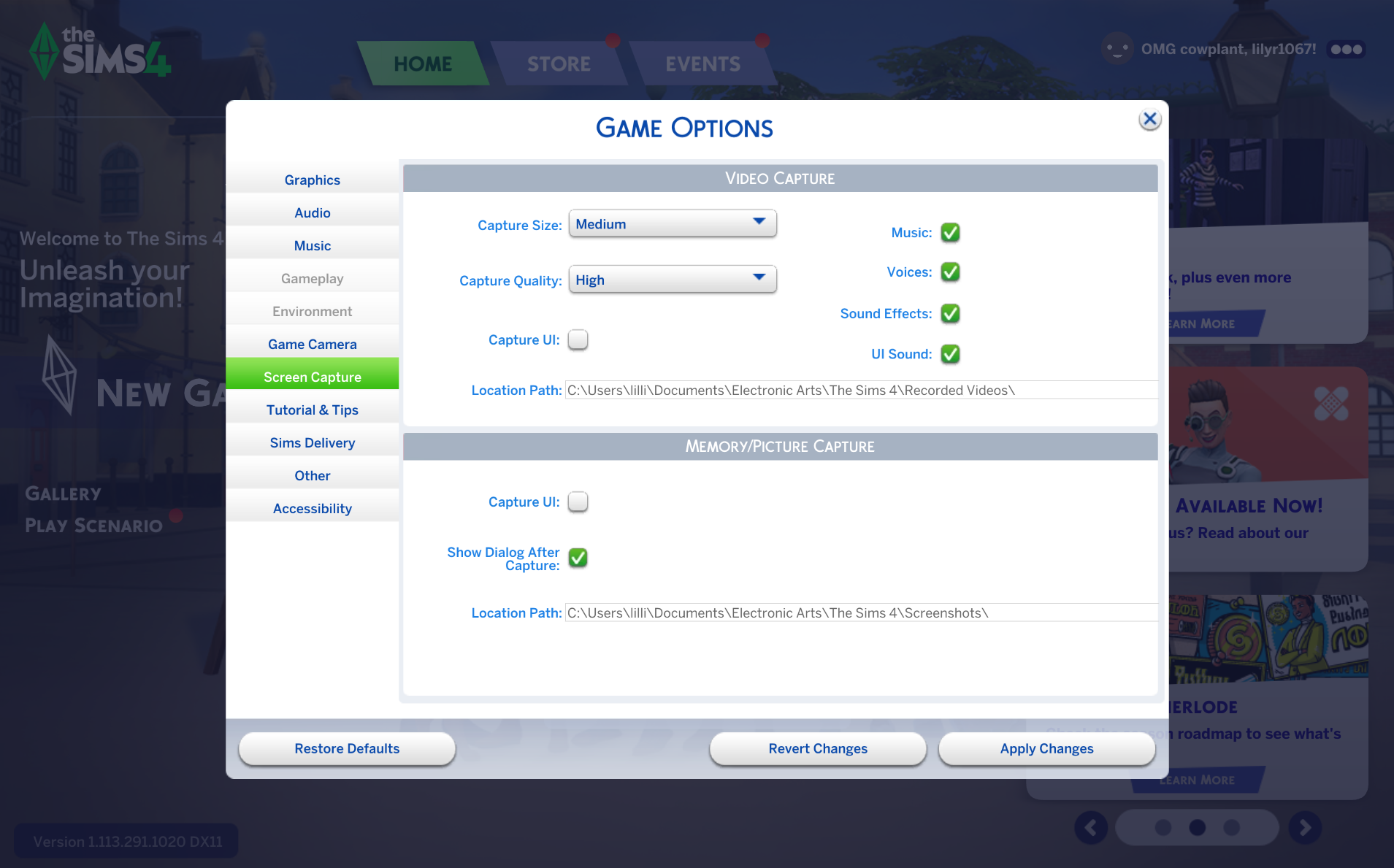
This what is looks like: