Gallery Is Stuck Loading and the UI Is Broken
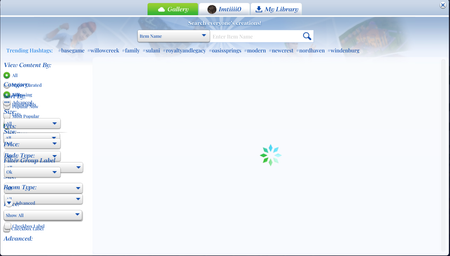


Imtiiii0 Please test in a clean user folder. Repair the game again if you haven't already done so with all mods and cc removed. Move the entire Sims 4 folder out of Documents > Electronic Arts and onto your desktop. If it copies instead of moving, or you get an error when trying to move it, stop here and let me know.
Otherwise, when you launch the game, a clean folder will spawn with no content. (Your saves and other content will be intact in the folder you've moved but temporarily unread by the game.) Don't add anything to the new folder yet either manually or from the Gallery; just open the Gallery and look around.


