Forum Discussion

DigitalDust's avatar
DigitalDust
New Scout
15 hours ago

Jagged shadows in the game

Not sure if this has always been the case however I started a new save and noticed when the light is really shining on a building or you are close up on the shadows, they are very jittery. Anyone else have this issue?

6 Replies

  • ScottB9's avatar
    ScottB9
    Rising Adventurer
    14 hours ago

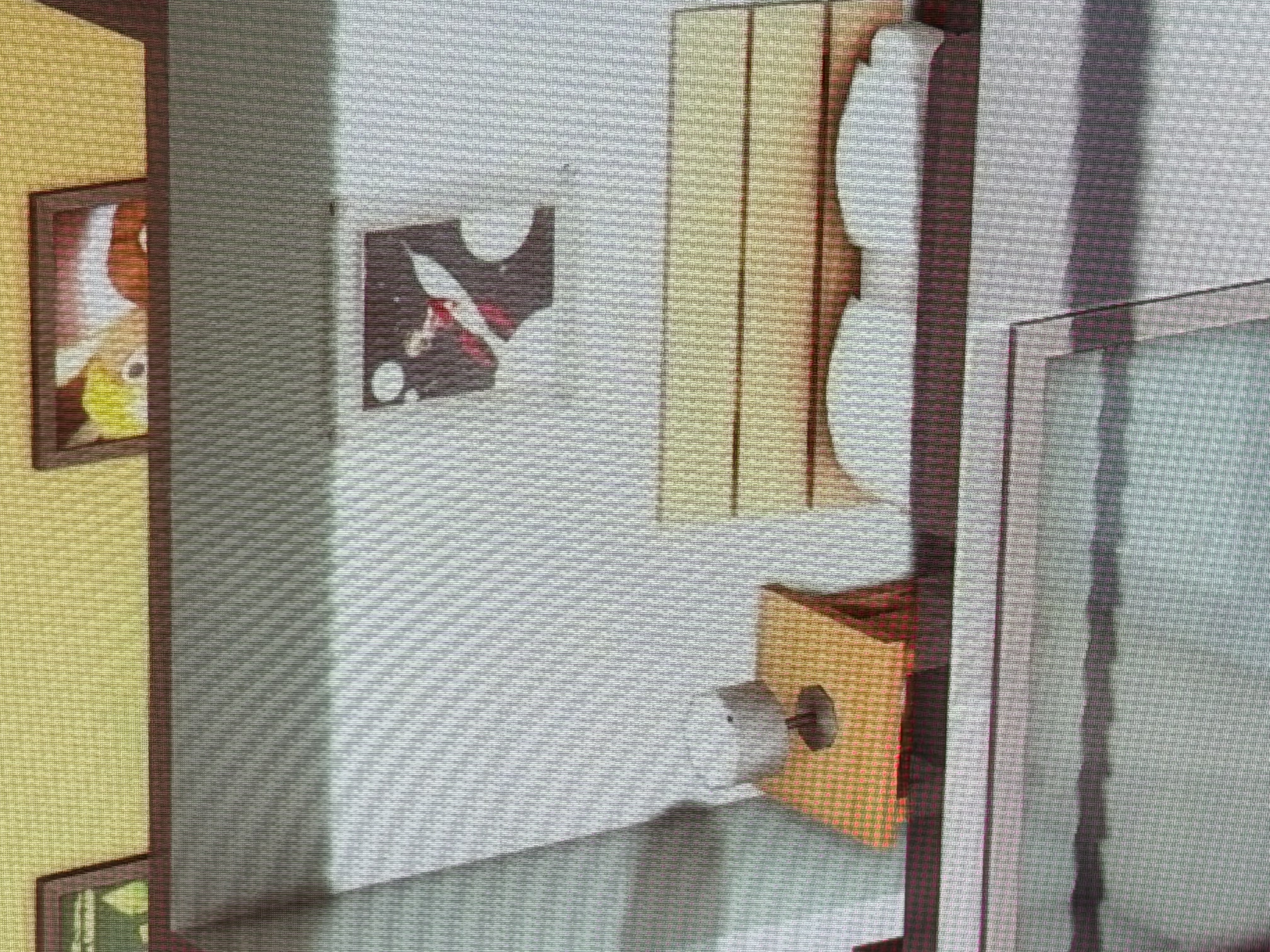
    I noticed this about a week to ten days ago. Sidewalks or other flat areas have started generating really wild jagged shadows at night. Deleting the items are the only way to get rid of them. Adding or moving lights around doesn't help.

    I've also noticed shadow lines coming up through the bottom floor of basements that shouldn't be there, even when there are no additional levels underneath. 


  • DigitalDust​ ScottB9​  Please post a dxdiag so I can see what hardware and drivers you have installed.  Click Windows key-R, enter dxdiag in the run box, wait for the scan to finish, click "Save all information," and save the file to your desktop.  From there, you can attach it to a reply using the paper clip (Attachment) icon included with the other formatting buttons.

    You can also try disabling Edge Smoothing in-game and using your graphics control software to apply anti-aliasing.  If you don't know how to do this, I can describe it, but I need to know what GPU you have.

    ScottB9​  Are you saying that some objects cast these shadows no matter what?  Or does replacing the items, or placing them elsewhere, fix the issue?

  • DigitalDust​  Okay, you should be able to turn on anti-aliasing in the Nvidia Control Panel or Nvidia App, whichever you're using.  In the CP, you'd choose Manage 3D Settings > Program settings, select ts4_x64, and then use settings like these:

    Antialiasing - FXAA: On
    Antialiasing - Gamma correction: On
    Antialiasing - Mode: Override any application setting
    Antialiasing - Setting: [anything 2x or more is fine]

    It's okay to play with the settings; just make sure you're doing so with the game closed so it loads with these settings in place.

    I don't have the Nvidia App installed, but anti-aliasing should be available there too.

    I made another suggestion a while back to a player who reported the same thing, and while they didn't reply to my last post, they did mark it as the solution:

    Jagged shadows in the game | EA Forums - 11826142

  • DigitalDust's avatar
    DigitalDust
    New Scout
    4 hours ago

    Thank you, I did and they seem to have improved however it looks very stairstep still. Just jagged. I feel like this wasn't an issue before where you didn't have to change settings around. I just recently reset my pc and redownloaded sims too so its a fresh install.

  • DigitalDust​  Are all items affected in all contexts, or is there some distinction, or some context in which at least some items look fine?  More data would be helpful here, especially a couple of screenshots, which I could compare to my own game.