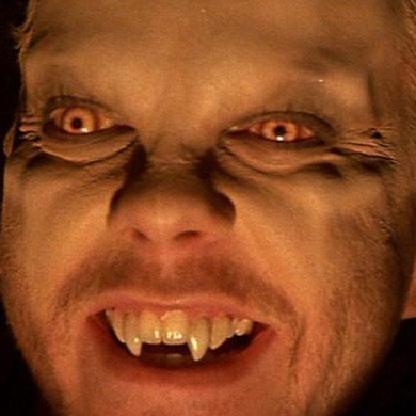
The room is extremely bright even after deleting light
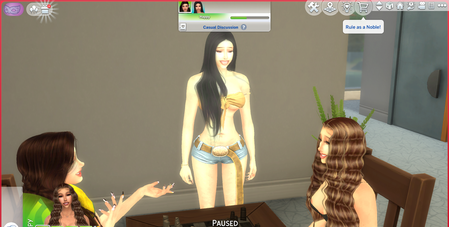


Mumumw Please remove your Mods folder just in case that's the issue (and if it is the issue, that would in fact save you a lot of time troubleshooting). You don't need to save your progress.
If you have any files in ConfigOverride, inside Documents > Electronic Arts > The Sims 4, please remove them as well.
The same goes for any third-party tools that change how the game looks, for example ReShade or GShade. Repair the game after removing anything that goes into the program files. I realize it can be annoying to have to reinstall one of these, but it's common for these tools to stop working properly with Sims 4 or really any game that gets updates.