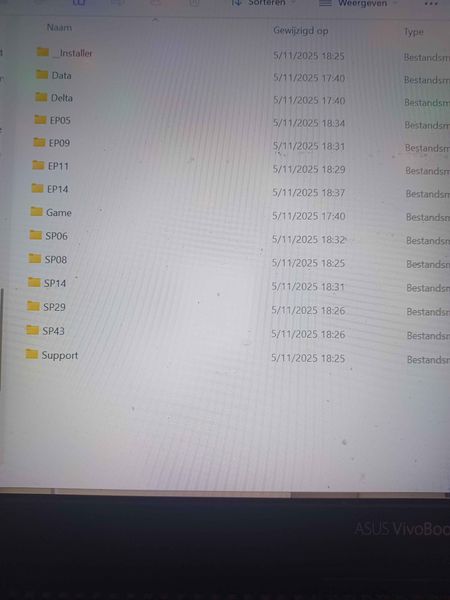
ZoBecomeABlade Hopefully you haven't installed the game anywhere inside Documents. If you have, uninstall it and move it to the default location for the EA App or Steam, respectively:
C:\Program Files\EA Games\The Sims 4
C:\Program Files (x86)\Steam\steamapps\common\The Sims 4
A custom location is fine too, but again, not inside Documents or a subfolder, and not on your desktop.
Once you've launched the game again, here's how you can find your user folder, where you'll add mods and custom content, and where your saves and Tray files will be:
https://sims4.crinrict.com/eng/2018/07/how-to-find-your-user-folder/
The point is that this folder is supposed to be separate from the program files. It sounds like you'd merged them before, but that's asking for trouble.