Ideas




gatitaxd
3 days agoNew Spectator
Hello EA Support Team,
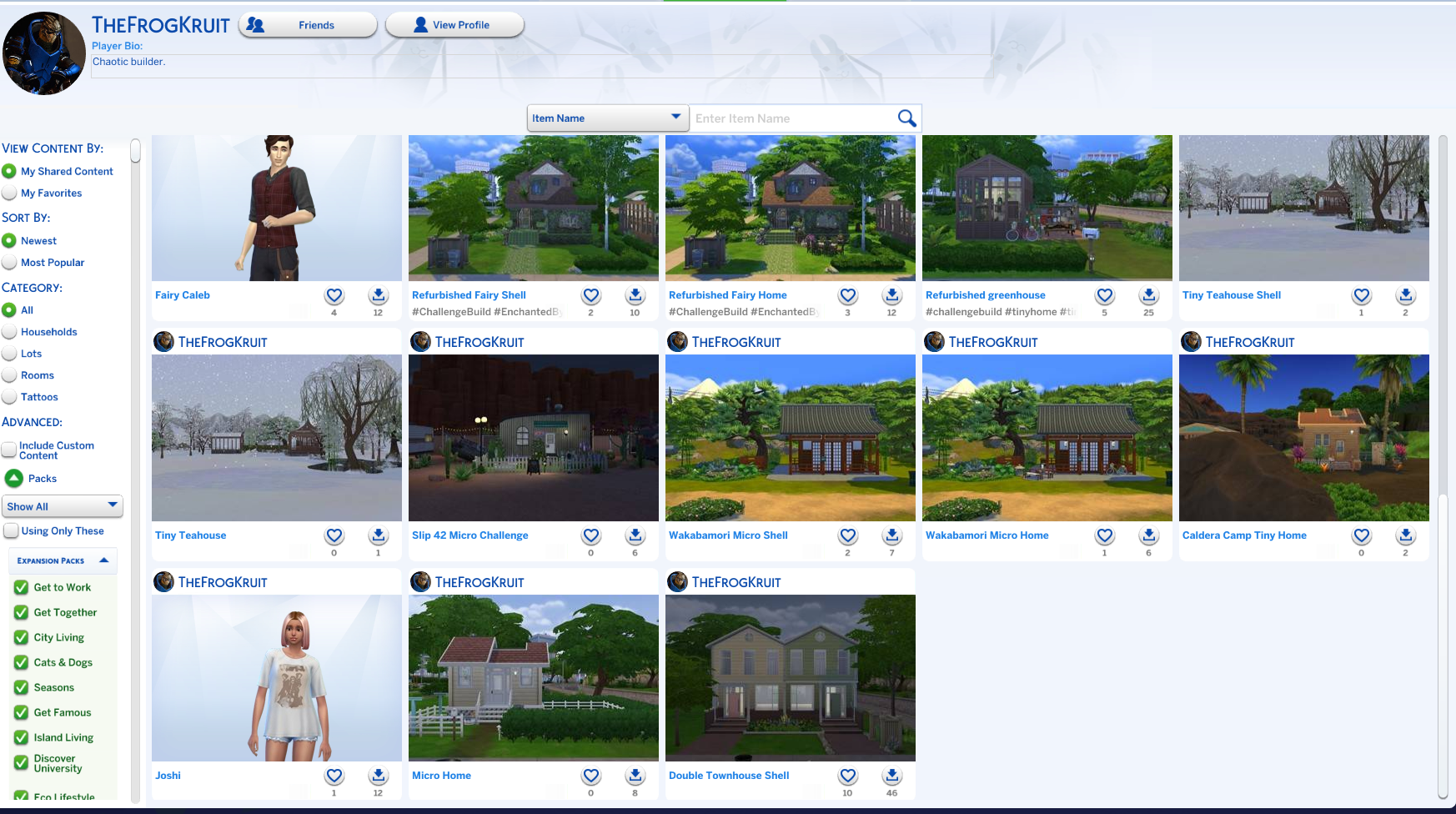
I am writing to report a technical issue regarding my Sims 4 Gallery synchronization on PC (EA ID: GATITAXD). For the past 4 days, my creations have disappeared from my Public Profile, even though they are still visible in my local 'My Library' tab. I want to emphasize that even my older Sims, which had been saved in the cloud for a long time, are now missing. It is not just about new uploads; my entire Gallery history has vanished from my public profile.
I have already verified the following:
1.My internet connection is stable and I am logged into EA servers.
2.I have the 'Include Custom Content' filter checked.
3.I tried saving new Sims, but they don't appear online.
It seems to be a major synchronization failure or data loss on my EA Account cloud storage. I am attaching screenshots of my local library (with my Sims) and my empty public profile (GATITAXD).
Could you please restore my Gallery visibility or check for data corruption on my ID? Thank you.
.png)
.png)
 EA_mplsnow1 day ago
Community Manager
Hey gatitaxd,
I've merged your post into the main thread for this topic as it sounds like you're facing the same bug. The team is investigating this, and this thread will be updated accordingly. Thanks!
- gatitaxd4 hours agoNew Spectator
Thank you for the information and for merging my report. I feel more at ease knowing that the team is already investigating the issue. I will stay tuned for updates on this thread to know when it is resolved.
Featured Places

The Sims 4 Bug Reports
Report bugs for The Sims 4 on PC, Mac, Playstation, and Xbox.Latest Activity: 10 minutes agoRead First
- EA_Cade2 months ago
The Sims Team