[MAC] Lagging and stuttering game performance when using screens in-game
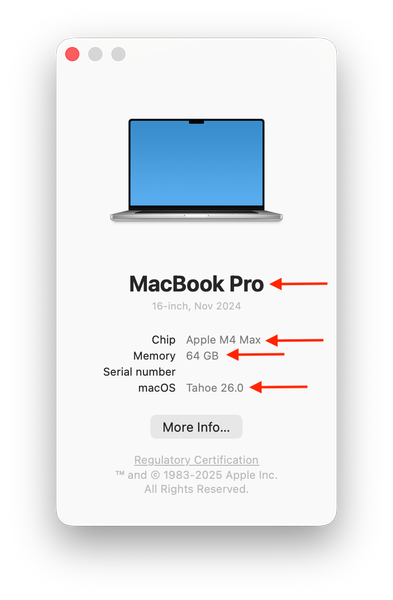


I play on the M4 mac mini, however since installing the tiny patch yesterday and disabling a few packs with the pack selector, my game has been feeling noticeably slower. I've tried repairing the game and deleting cache files, nothing seems to work.
Can you try a whole new Sims 4 folder, not just removing some cache files, and see if that makes improves performance? Instructions - [INSTRUCTIONS] How to troubleshoot and test a broken game | EA Forums - 11864548 If it does how is performance affected when you add your saves back in?
I followed the steps and it did not noticeably improve performance. I still experience lag and slowness that shouldn't be there on such a new machine.
Maybe you have something running in the background using a lot of resources? Have you checked CPU and memory usage in Activity Monitor?
I have not checked the activity monitor however I only play with my browser open in the background, which only has a few tabs open. Should I try playing with absolutely nothing open in the background?

