Ideas





puzzlezaddict
25 days agoHero+
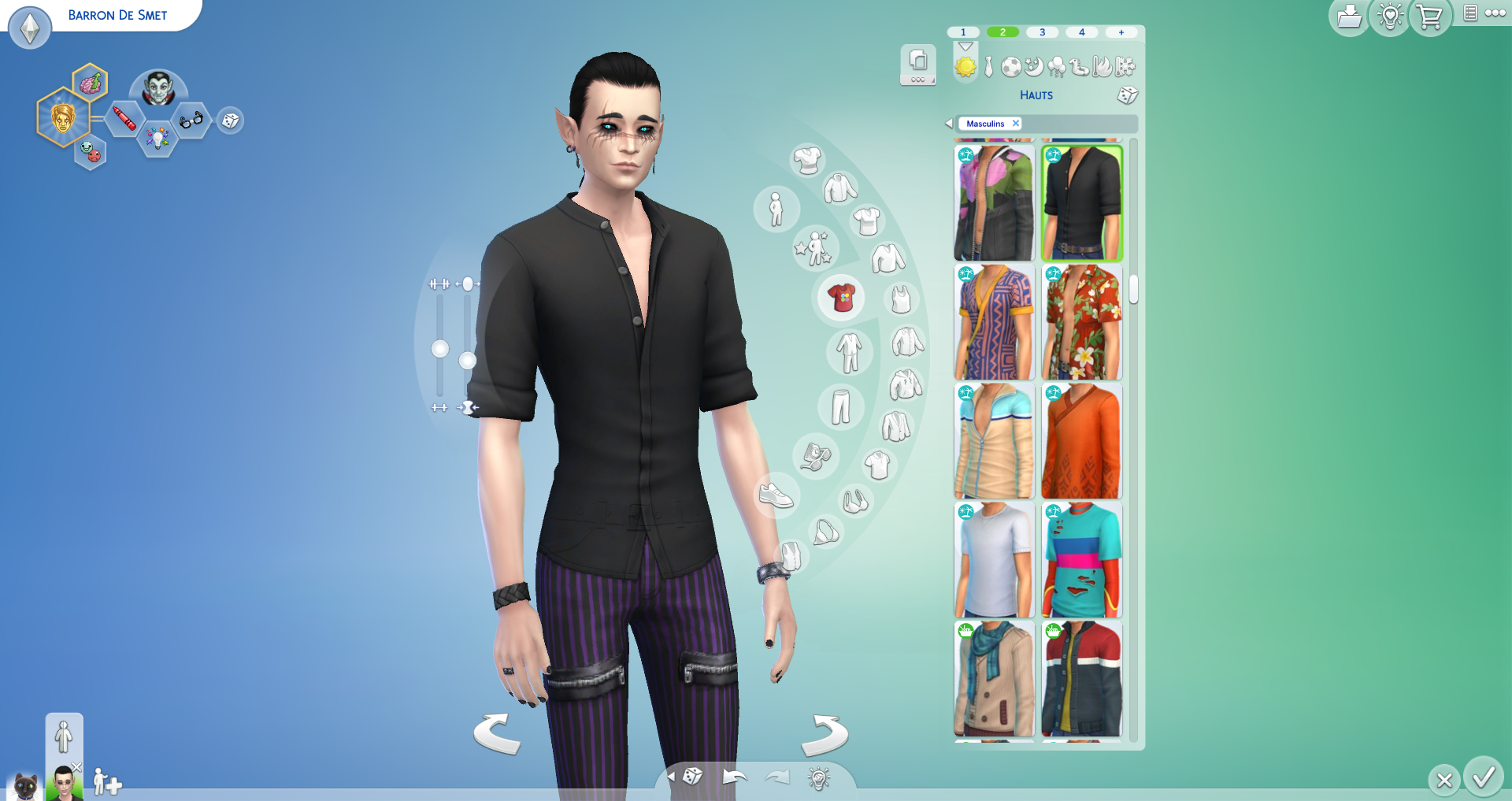
I see the same thing on my Mac, updated just now, with a clean user folder generated for this test, and trying a game-provided sim in CAS rather than one from the Gallery. I changed nothing about his default outfit until selecting this styled look:
This top is tucked in with other pants, for example:
I then switched back to the original pants above, and they were tucked:
Choosing the styled look reverted back to untucked even though the shirt and pants were the same. So adding accessories is still untucking this particular shirt and pants, but I'm not sure why the watch seen in the last two screenshots didn't cause the issue.
When I was working with this styled look, ALL base game and R&L accessories untucked the shirt, even nails and layers. However, if I started with a different styled look and manually applied this shirt and pants (same swatches), choosing an accessory didn't untuck the shirt. Starting with a fresh sim and switching to this shirt and pants meant I had to add two different accessories at the same time, any two from any categories as far as I could see, for the shirt to become untucked.

crinrict
25 days agoHero+
Thanks for testing.
Either I'm the odd one or it's still an issue for Mac.
Featured Places

The Sims 4 Bug Reports
Report bugs for The Sims 4 on PC, Mac, Playstation, and Xbox.Latest Activity: 25 days agoRead First
- EA_Cade4 months ago
The Sims Team