I can’t open FC 26 on PS5
Hello, I’ve been having issues with my games for a few days now. Whenever I try to open the game, it loads for a few seconds, then screen just turns white and I get a message of error saying they couldn’t connect. « Error: 0x00000006 SSLError: 0x00000000 Couldn’t resolve host name ». Has anyone ever had this issue and can somebody help me with this please ? 🙏🏾3Views0likes0CommentsEA Playtest sign-up link not working
Hi! Yesterday I received an email with a link to sign up for a new playtest. When I clicked on the link it just took me to my EA playtesting homepage and there weren't any playtests listed for me to sign up for. Can someone please assist? Thanks! Michael84Views1like8CommentsAccount restricted no ban
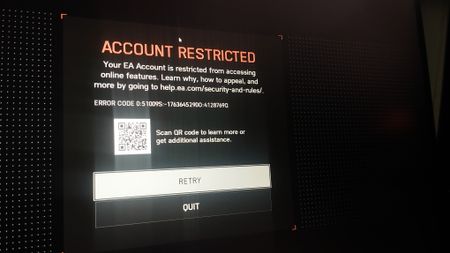
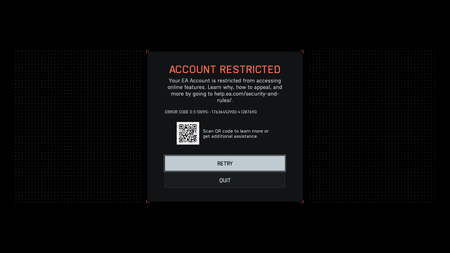
So any luck cuz I just installed Redsec on Steam. Same no violation etc but still restricted. On other Queries people listed down that they downloaded from EA store then it worked fine but on steam this pathetic issue is occurring. [CM edit - descriptive title]16Views0likes0Comments
Redsec online play "restricted"
Hello! So a few days ago I bought bf6 for ps5. Now today, since I got a new desktop I wanted to try Redsec on PC via EA app. Alas, access was restricted for online play. My account exists since 2010 and has 0 bans/incidents. For now I'll redownload via Steam, apparently the game actually works there. But it would be great if there was any solution to this? Thanks in advance :)
Account Restricted - First time launching from Steam
I've had a few hours of gameplay from the EA launcher to try out the REDSEC mode. Decided to download it to launch from Steam instead and I can't get in. Was going to buy the game but this is such a huge turn off. Any help would be appreciated.Solved437Views1like10Comments
Middle East Servers Have Been Broken for Almost 4 Months — This Is Unacceptable
The Middle East Battlefield 6 community is extremely disappointed by the ongoing server issues. Middle East servers have been unavailable or non-functional for nearly four months, forcing players to connect to distant regions with high ping and a poor gameplay experience. This situation is unacceptable, and many players are gradually losing interest and passion for the game because of the lack of support for the region. We ask EA to restore Middle East servers as soon as possible and consider hosting servers in Riyadh, Saudi Arabia, to provide a better experience for players across the region.Unable to Submit Ban Appeal or contact with support service.
My Apex account was unexpectedly banned after I just bought nearly 20,000 Apex coins. But when I tried to appeal, I found that I couldn't submit an appeal through any available method. (As shown in Pic 1) Following the instructions on the EA website, I tried contacting the support team. However, after clicking the “Contact Us” button, the chat bubble never appeared. (As shown in Pic 3) I’m unable to submit an appeal through the Penalty Page or contact support via “Contact Us.” I’ve tried using different computers, phones, and browsers, as well as clearing my browser cache and using incognito mode, but I still can’t submit an appeal or start a live chat with support. Also "E-mail us" button was never shown up. I did some research, and some people said it might be because my email address ends in @163.com, but I’m not sure if that’s the reason. So what am I supposed to do now? Oh, I didn't receive a ban notification email either (Pic 5), but I do have a ban. (Pic 4)15Views0likes2CommentsWhite Screen trying to play on PS5
When I load the game and get to the point to press any button to enter the game, it just errors and says “ can’t connect to the server. There might have been a problem connecting to the network or to our online services.” And just a white screen so I can’t play. I disconnect from the internet, that’s working, and the game loads just fine but when it tries to connect to EA I can’t play the game. Any fixes?