Forum Discussion

rlionheart26's avatar
5 years ago

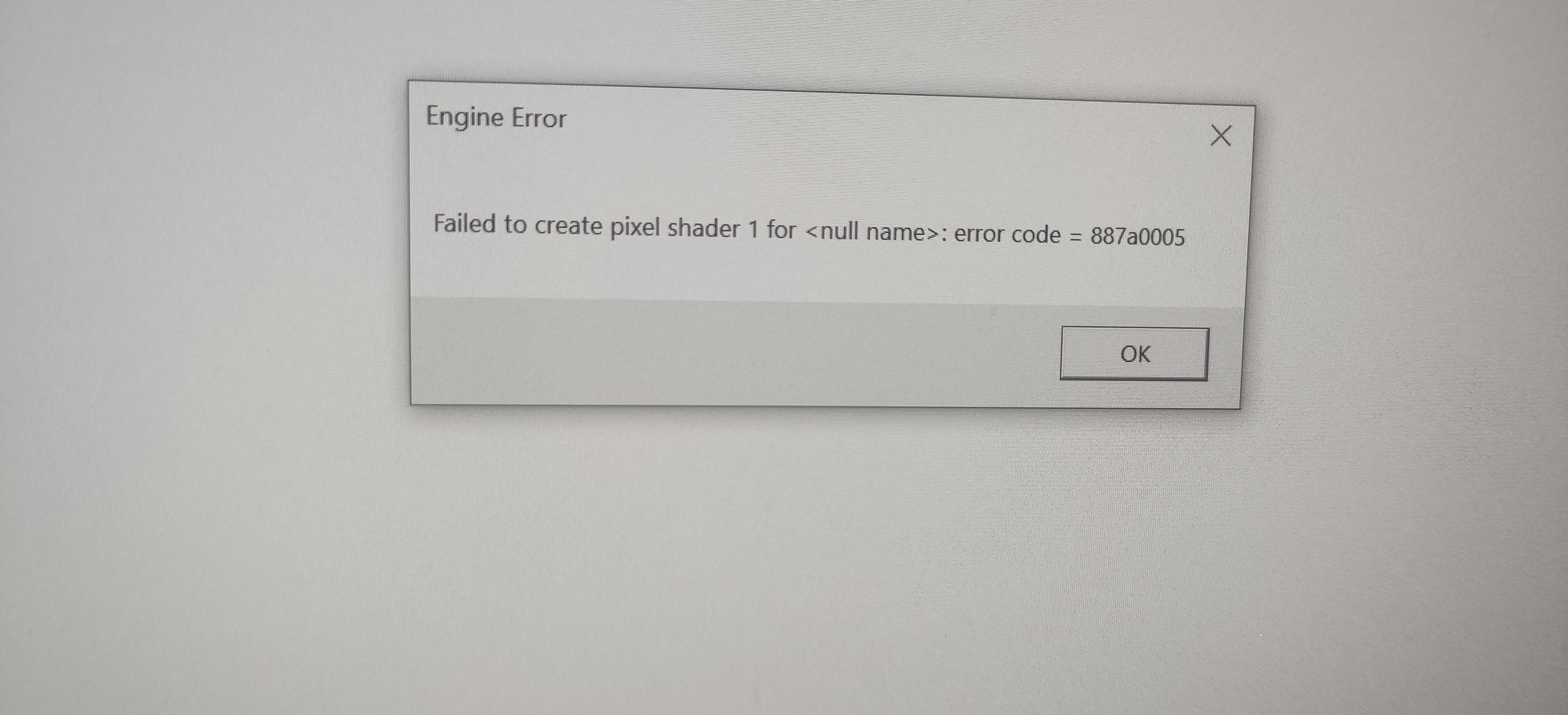
CreateTexture2D failed for Gfx-TextureAsset 0x887a0005

So ever since yesterday my game has been crashing and giving me error codes. I've gotten error codes 0x887A0006 and 0x887A0005. But the mostly 0x887A0005. I don't really know what changed since I've been playing the game for a couple weeks now. Yesterday after playing a couple games with my friends I bought the Champion edition. After that we got into a match and then my game crashed. I tried to log back in but the game kept crashing and giving me error codes right after the click to continue screen. I've tried a bunch of solutions but nothings helped. So any help would be appreciated.

5 Replies

  • Hi Respawn Entertainment
    I am a player of APEX legend game player.

    I had on 0x887a0006 dxgi_error_device_hung error 

    After that error, the computer stops and shows no response.

    However, the error message is not displayed and is often interrupted.

    There have been several times since 2020, but these errors have recently occurred to the point where play has been interrupted.

    An attempt was made to upgrade the graphics card driver, edit the registry, and repair the origin game, but the error continued and the format was attempted.
    However, this error and the computer will continue to stop.

    The current power source is 700w single rail.
    The graphics card uses the GTX 980.
    The RAM uses four Samsung 2666mhz 8G RAMs.
    The CPU is AMD 3600 and neither RAM nor CPU is overclocking.
    There are two hard disks in use and no defective sectors.

    I'm currently using Origin as my PC. The in-game ID is zoid 25.

    Because of this problem, I'm very sad that I can't enjoy the game.
    How can I play the game normally?

    I love this game so much and enjoy it. Please help me play this game normally.

  • So I tried the clean install of GPU drivers that didn't work. I also tried under clocking my hardware that didn't work. I also lowered the settings to the lowest possible. I turned off all overlays from NVIDIA and Origin. Uninstalled and reinstalled the game on both steam and origin. None of those worked for me.


    @EA_Barry wrote:

    @rlionheart26 

    In addition to performing a clean install of your video drivers: 

    https://answers.ea.com/t5/Technical-Issues/apex-legends-crashing-whole-pc/m-p/8014734#M46350

    ...it is likely worthwhile making sure you are running your CPU, GPU and RAM at stock clock speeds (this includes no factory overclocks).

    Thanks.


  • EnigmAxQxEclipsE's avatar
    EnigmAxQxEclipsE
    Hero (Retired)
    5 years ago

    @rlionheart26

    Hardware error "LiveKernelEvent"
    0x141 = VIDEO_ENGINE_TIMEOUT_DETECTED
    This indicates that one of the display engines did not respond in a timely manner.

    Page File: 19128MB used, 18452MB available


    One of the options will help
    >Manually increase the paging file on the disk with the game installed
    (min 910 max 24100)> set> reboot> game check
    >disable vertical sync
    >decrease video settings
    >use msi afterburner to lower the frequency of the GPU and memory by 20 MHz. apply and check the game
    or
    via msi afterburner, the map uses Power Limit 100% power, lower the Power Limit slider to 70-80%. apply and check the game

  • rlionheart26's avatar
    rlionheart26
    5 years ago

    @SupremuMxEclipsE wrote:

    @rlionheart26

    Hardware error "LiveKernelEvent"
    0x141 = VIDEO_ENGINE_TIMEOUT_DETECTED
    This indicates that one of the display engines did not respond in a timely manner.

    Page File: 19128MB used, 18452MB available


    Manually increase the paging file on the disk with the game installed
    (min 910 max 24100)> set> reboot> game check


    I tried what you said and I still got some error codes and crashing after clicking continue.

Featured Places

Node avatar for Apex Legends Technical Issues

Apex Legends Technical Issues

Having issues with Apex Legends? Join here to find help with connectivity, performance issues, crashes and more.Latest Activity: 2 hours ago
39,075 Posts