Forum Discussion

3 Replies
 EA_Kent6 years ago
Community Manager
Hey @Jeremymillees.
Let's take a look and see if we can get you logged back in.
First, can you try resetting the password on your EA Account to see if that helps at all? I've seen cases where a new password can help out with errors like this. For more info on how to reset it check out the EA Help website.
Let me know if it's still giving you that same error message afterward. Thanks!
/Kent
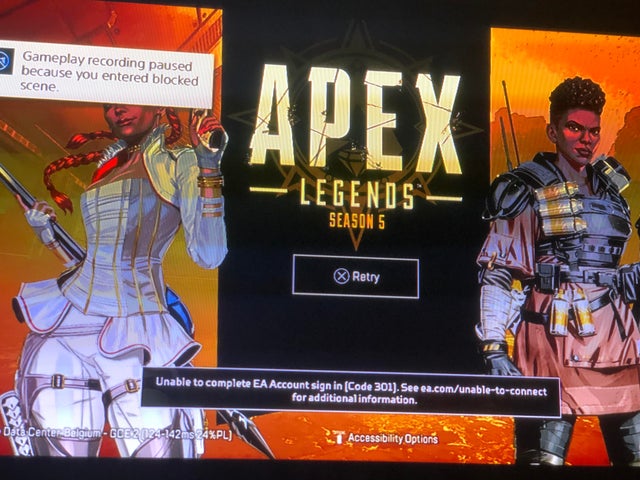
- @EA_Kent I already reset my password twice, and still didn’t work. I tried resetting my PlayStation network password also, still hasn’t worked. This is my first time seeing this error code 301. Pls help
- EA_Kent6 years ago
Gotcha, thanks!
Let's try running through some connectivity troubleshooting steps to see if that helps get you back up and running. First, I'd recommend starting off with the basic connection steps over at the EA Help website. Those can help out with a lot of the most common issues we see, so hopefully that will do the trick for you.
If you're still running into the same error message after that check out the PS4-specific steps as well. Let me know how that goes when you have a chance.
/Kent

Featured Places