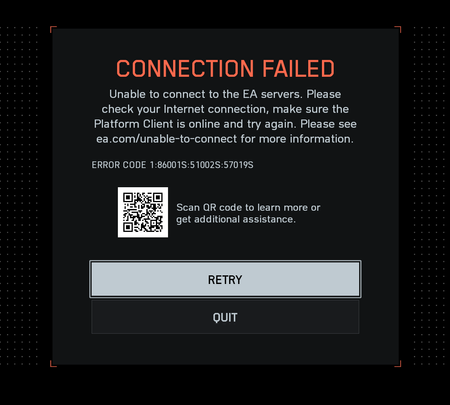
"Connection Failed" With Error Code 1:86001S:51002S:57019S


 Community Manager
Hi there, as stated we are reaching out to try to gather some information and troubleshoot this issue, would you mind please following the instructions below and sending me back the file as text via direct message?
Please note, these steps can take a few mins to complete, so wait for completion of each step before moving on.
Ideally, it would be good to get two traceroutes:
Thank you all for your patience. We are really trying to get to the bottom of this asap, and your information could really help our team!

Dumb question, but how do I link text file in a DM? I see only option to link an image.

Paste it like a text with quotes.
Community ManagerYeah, like Yordan mentioned, simply as text is completely fine, thank you!

Hi EA_Vendcera,
I’ve completed all the requested steps and sent both test result files (troubleshooting.txt and troubleshooting_hotspot.txt) to you via direct message.
Please let me know if you need any additional info.
Thanks for your support!

Hi EA_Vendcera,
I have also completed the steps, but only for my main ethernet connection so far. I haven't tested whether a mobile hotspot works yet or not because I don't really have much capacity left on my phone's sim. However I'll buy some mobile data and give it a go and run the same tests, sending the results shortly.
Thanks for all your efforts!
Just to add a bit more context — during the Open Beta, I was able to play without any issues on the same network.
The problem only started after the full release version went live.
It seems like something has changed in how the game connects to EA’s servers since then.
I just cant understand why its only affecting some ppl and not everyone. Whats in common with all of our setups that could be causing this.