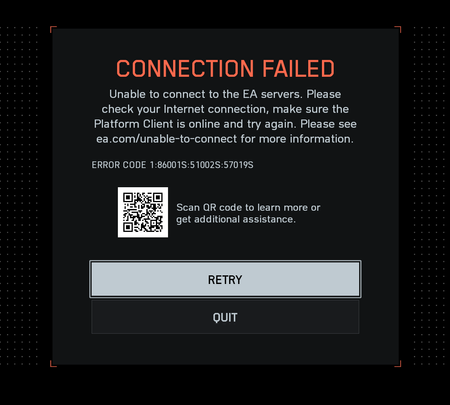
Im going to work so have no time to try this, can someone give this a try and report back pls:
This can help solve connection problems you might have after upgrading from Windows 10 to Windows 11. It can also help to fix the problem where you can connect to the internet but can't connect to shared network drives. Network reset removes any network adapters you have installed and the settings for them. After your PC restarts, any network adapters are reinstalled, and the settings for them are set to the defaults.
- Select the Start button, then enter settings. Select Settings > Network & internet
- On Windows 11, select Advanced network settings > Network reset.
- On Windows 10, select Status > Network reset.
- On the Network reset screen, select Reset now > Yes to confirm.
- Wait for your PC to restart and see if that fixes the problem.
Notes:
- After using network reset, you might need to reinstall and set up other networking software you might be using, such as VPN client software or virtual switches from Hyper‑V (if you're using that or other network virtualization software).
- Network reset might set each one of your known network connections to a public network profile. In a public network profile, your PC is not discoverable to other PCs and devices on the network, which can help make your PC more secure.