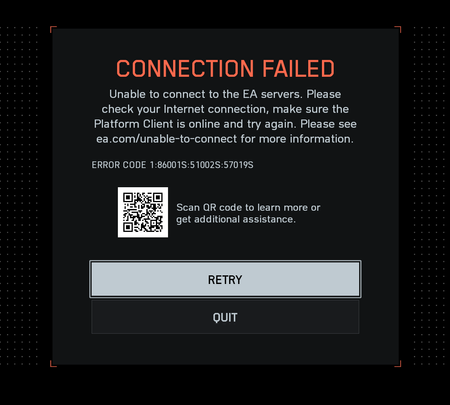
"Connection Failed" With Error Code 1:86001S:51002S:57019S


TheLyulik you'd need to plug your PC directly into the internet modem to see the IP address your ISP is assigning you.
You can also log into your router to see the IP address your ISP is assigning you.
192.168.XX.XX isn't the IP address I'm talking about. That's the IP address your home router is assigning your PC.
The IP address I'm talking about is the one your ISP is assigning to you.
CGNAT is when your ISP shares your public IPv4 address with other internet subscribers, instead of assigning you a dedicated IPv4 address. CGNAT blocks incoming internet connections to your computer.
There's multiple ways to overcome CGNAT. Such as using IPv6 instead of IPv4, asking your ISP to assign you a dedicated IPv4 address instead of a shared IPv4, or using a VPN such as Cloudflare Warp's free VPN to tunnel through CGNAT.
https://one.one.one.one/ Cloudflare Warp VPN download link

Read you advice, just got my dedicated ipv4, didn't worked