Cannot link Xbox Game Pass Account with EA Account


 EA SPORTS FC™ Team
Hello @itkwon,
We have a handy little EA article with more information about how to link accounts that you can find here:
https://help.ea.com/en/help/account/link-your-console-accounts/
There is a way to do this through the EA Help website:
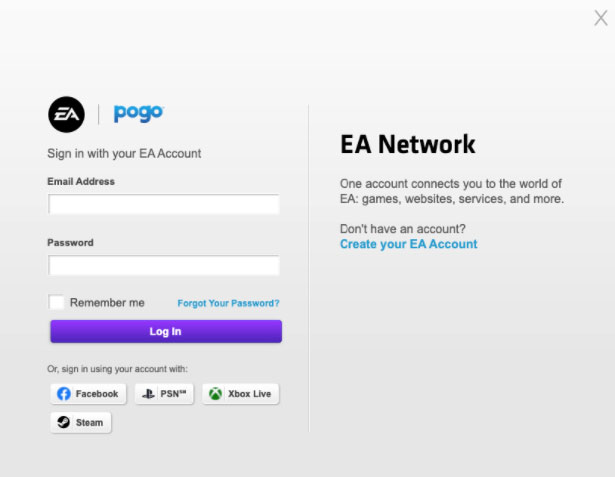
You can also check if the account is already linked by logging into EA Help with your Xbox credentials and then checking the account name on the top right.

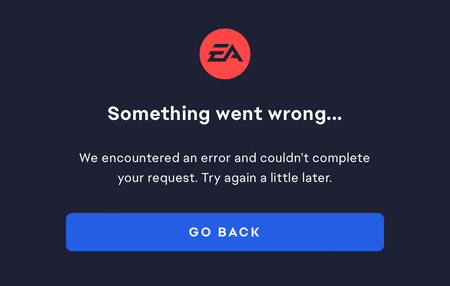
This does not work at all, I've already spoken to an EA worker in chat support and we were not able to resolve the issue. It's just horrible, I have tried so many things to fix this and I can not even sync my Xbox account to my EA account just to play a game. I try installing an EA game through XBOX game pass and when i log in to EA I am shown with this error {"error":"Internal server error","error_description":null,"error_code":null,"code":107019}. NOTHING I do seems to work and I can't even import my XBOX friends into EA because it says "We couldn’t load your Xbox friends" and no matter how many times I try it does not work.

I was having similar issues, and I may have figured it out. Are you by any chance bilinguial/bicultural? My Xbox account region is set in another country, so EA Play did not work. I switched my Xbox account region to US. Then deleted EA desktop app cache, reinstalled EA app, then it worked.

I got the same problem here and I really don't know how to fix it. Could you please teach me how to fix this problem? Maybe we can add friend on EA Account or Steam(friend code:28161432).