Forum Discussion


EA_Cade The Sims Team
2 years agoThe Sims TeamHi @tulipcrusher,
Took a look through your cases with EA Help, can you confirm that you've checked the following areas to download your DLC?
After registering the CD key on https://store.thesims3.com/ navigate to Store > My Store Account > Purchase History and look for a download link.
Sometimes you can also find the download via the direct link for the DLC, like this one for Dragon Valley.

2 years ago
@EA_Cade just went to double check and it still gives me the same error. Redeem a Code
The code you entered has already been used. Please check the code entered and try again. If you continue to receive this error it may be that the code has already been applied. If you need further assistance, please go to Contact Us.
The code you entered has already been used. Please check the code entered and try again. If you continue to receive this error it may be that the code has already been applied. If you need further assistance, please go to Contact Us.
 puzzlezaddict2 years agoHero+
@tulipcrusher Just to be clear (and since it's the weekend and you might not get a response from a community manager for a couple of days), when you sign into the Store and go to this page:
https://store.thesims3.com/dragonvalley.html?categoryId=12642
You see a Buy Now button, not a Download button? And if you open Store > My Store Account > Purchase History, does the purchase history load, and if so, is Dragon Valley there or not?
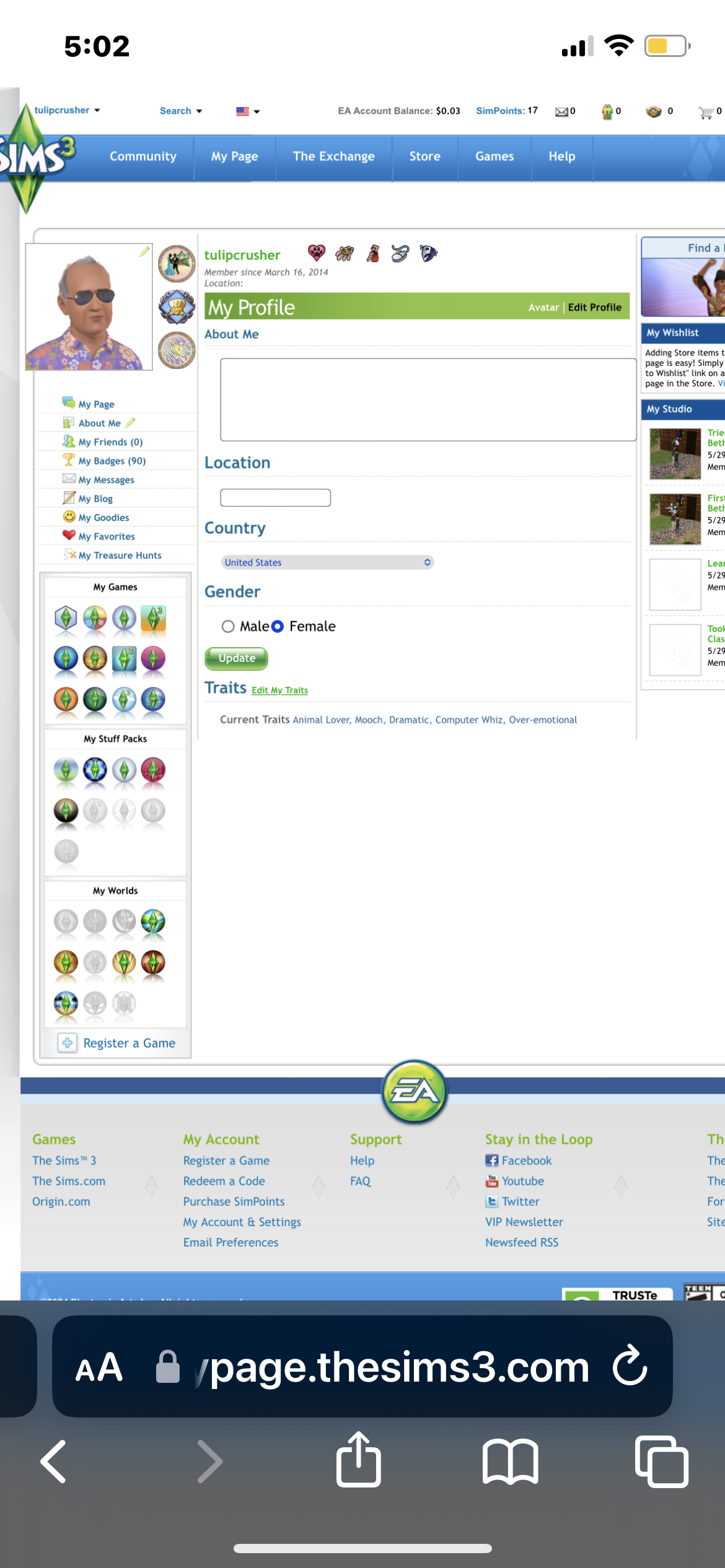
Finally, please click My Page and scroll down a bit, then look for your owned packs and worlds on the left. Let me know whether the Dragon Valley icon is lit up or grayed out.
- 2 years ago
Yes, whenever I go to my EA App it says I own it. However whenever I go to the Sims 3 Store, it says I do not own the Dragon Valley pack. It is even greyed out on my profile. And what’s also weird is that account is linked to my Origin/Ea.
- 2 years ago
Once I get home I can send the screenshots that I have saved. But yes, it is very frustrating considering it has been saying that for over a year.
- 2 years ago
Sorry I am on my phone, but this is my profile
Featured Places