Solved
Forum Discussion


143 Replies
 EA_Solaire8 months ago
Community Manager
Hi zari0132
The Sims 4 on Steam is not available for Mac, so any packs you've bought through Steam won't be playable on your Mac- you'd need to repurchase these packs from the EA app directly to play on your MacBook.
 zari01328 months agoNewcomer
Hi,
I need help with case #215500909. I bought a lot of Sims 4 DLCs on Steam while playing on Windows. I’ve now moved to Mac and installed the game through EA App, but my DLCs are not showing or available.
I already submitted all necessary screenshots (proof of purchase and Steam account info), but the response I got from EA Support was generic and completely unrelated to my issue.
I’m very disappointed with the lack of proper assistance, especially considering I spent money on content I can’t access. Please escalate this or guide me on what else I can do to resolve the problem.
Thanks in advance.
 indianbarbie8 months agoNew Novice
Hey everybody. I got jungle adventure and the luxury party stuff pack for free back when EA was giving them out. They worked perfectly fine after I had recieved them. At one point in time after recieving them, my game had completely bugged out for an unreleated reason so i had to uninstall the sims 4 and reinstall. All the rest of my packs (that I purchased on my own) redownloaded completely fine, but I was missing the two I had gotten for free. This was really aggravating. Can anybody help me with this? I want jungle adventure back but there's no way I'd pay for it. I play on a 2021 M1 iMac and use the EA app to launch my game.
 SerenityRune8 months agoRising Rookie
The packs are playable for me on my Mac because I linked my EA account to the Epic account on a windows computer shortly after I claimed the packs. But they still show as windows only under the ea app.
- edaclskn8 months agoNewcomer
Hello,
I purchased The Sims 4 and the Cottage Living DLC through Steam as a gift. I originally played on a Windows PC and everything worked fine. Recently, I switched to a MacBook and installed the EA App to continue playing.
While the base game is available, my Cottage Living DLC does not appear and cannot be downloaded on the EA App for Mac. I contacted both EA Support and Steam Support multiple times, but I keep getting redirected back and forth with no solution.
I have not violated any terms, and I’m using the same EA account linked to my Steam purchase. It’s very frustrating and disappointing to lose access to content I paid for just because I changed devices.
Is there any way to transfer my Steam DLC to the EA App on Mac, or any solution you can offer? I would greatly appreciate any help or advice.
Thank you in advance for your time and support.
Best regards,
Eda Nur Çalışkan  ciremyyaaa8 months agoRising Novice
Hello,
I play The Sims 4 on Mac, and I’m having an issue with some of the additional content I own. After a major bug that caused my game to crash, I lost access to three DLCs. They now appear as “Available for Windows only” in the EA app:
- The Sims 4: Jungle Adventure (Game Pack)
- The Sims 4: Fashion Street Kit
- The Sims 4: Luxury Party Stuff
I had previously obtained these for free and used to play with them on Mac without any issue. They are still visible in my EA library, but greyed out, and I can no longer download or install them.
I have already cleared the cache, repaired the game, and updated both the EA app and macOS, but the issue remains. I’ve attached a screenshot showing the problem.
Sorry for the translation ! Thank you in advance for your help in restoring access to this content on Mac.
- SarahMars3578 months agoNewcomer
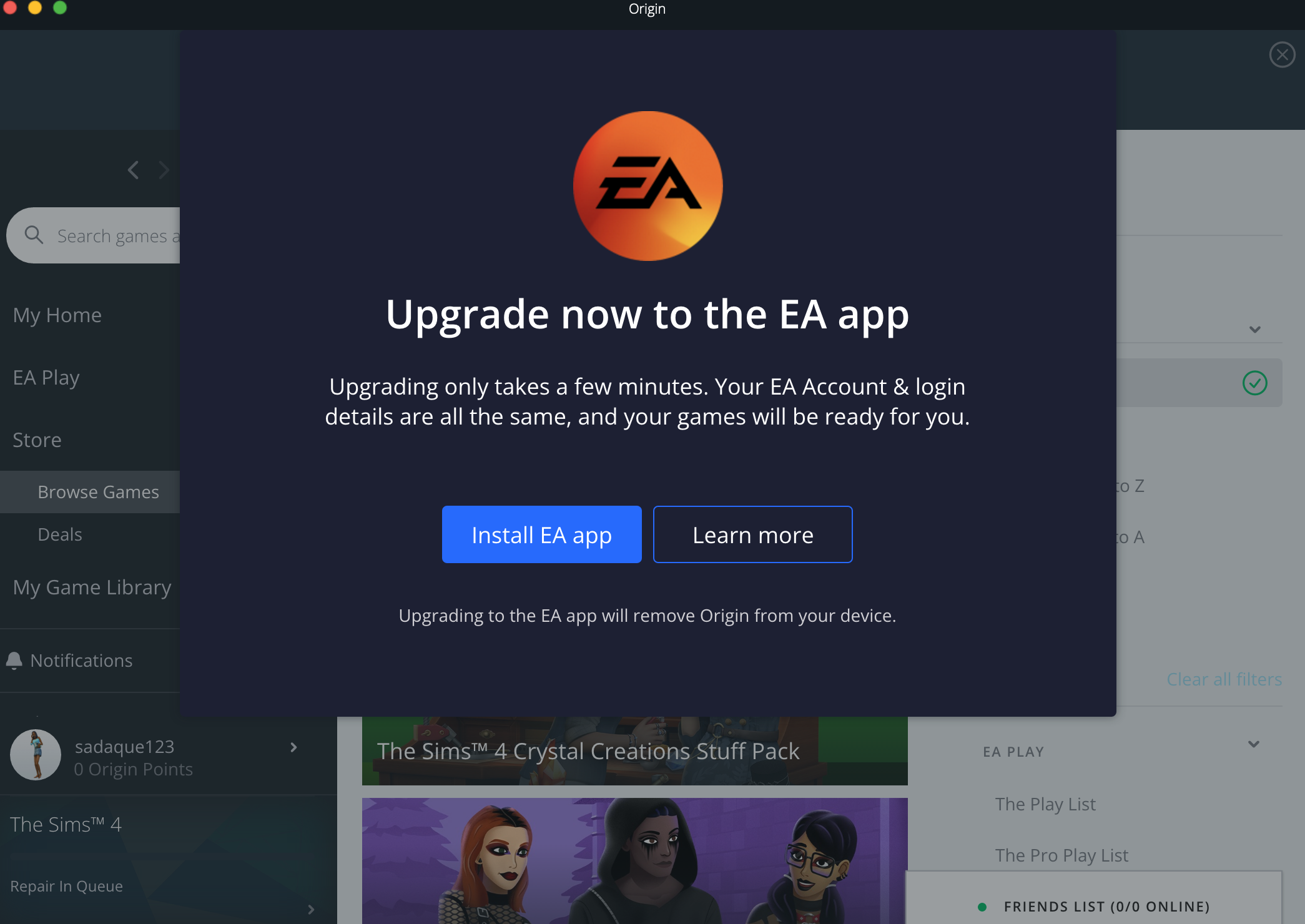
I do not have an issue with getting the game on EA, Steam, or Epic Games. The problem I'm having is that every time I open the EA app to try to play Sims, it shows this screen. I do not understand how this is happening. I have one of the recent macOS updates, my old friends played on their laptop, and it was the same model as mine, only the colour was different, which is irrelevant. I just want to play The Sims 4, bro. Can anybody help me, PLEASE?
- EA_Solaire9 months ago
charliesotrue Please take a look at your EA account's order history as well as your Steam transaction history to verify if these missing packs were bought on Steam or not.
- charliesotrue9 months agoRising Newcomer
i think they were purchased through orgin before it updated to play through the ea app? i honestly can’t remember, all i know is it never let me download steam.
- EA_Solaire9 months ago
Hello charliesotrue
Were these packs purchased through Steam? Steam is not available for Mac, so any packs you've bought through Steam won't be playable on your Mac- you'd need to repurchase these packs from the EA app directly to play on your MacBook.
Featured Places