EA_Leeuw Community Manager
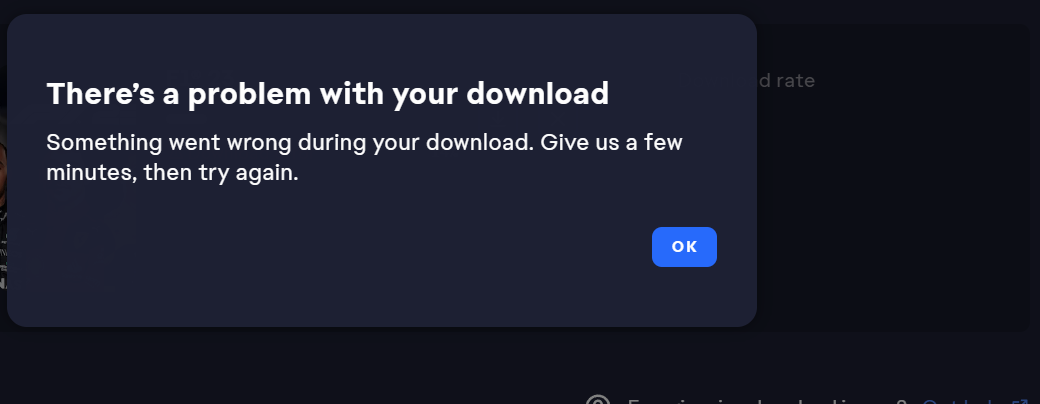
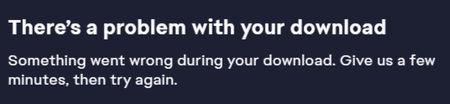
Community Manager"There's a problem with your download"/"Something went wrong" EA app Error - '24
 Community Manager
 Community Manager
Hi @rizafahm1,
I'm sorry to hear your download is stuck and thanks for providing the steps you tried so far.
Could you please try to:
Run the EA app as administratorIf that doesn’t work, try moving the file location while you’re running the EA app as an administrator.
User Access Control (UAC) is a Windows security feature that helps protect your device by preventing applications from gaining Administrator access to your operating system.
Re-enable UAC as soon as you’re finished troubleshooting.
Learn how to adjust the protection level in your User Access Control settings on PC.
In case the problem persists, try selecting a different folder to install this game.
I hope this helps,

I am currently facing the same difficulty with downloading the f1 series (f1 2022, 23, and 24) it gets stuck at 14% preparing and proceeds on saying download error, I tried your fix but doesn't work.