Unable to link Twitch account to EA Account for EA FC Drops
Description:
I am currently unable to link my Twitch account to my active EA Account to claim my EA FC Twitch Drops.
Issue Details:
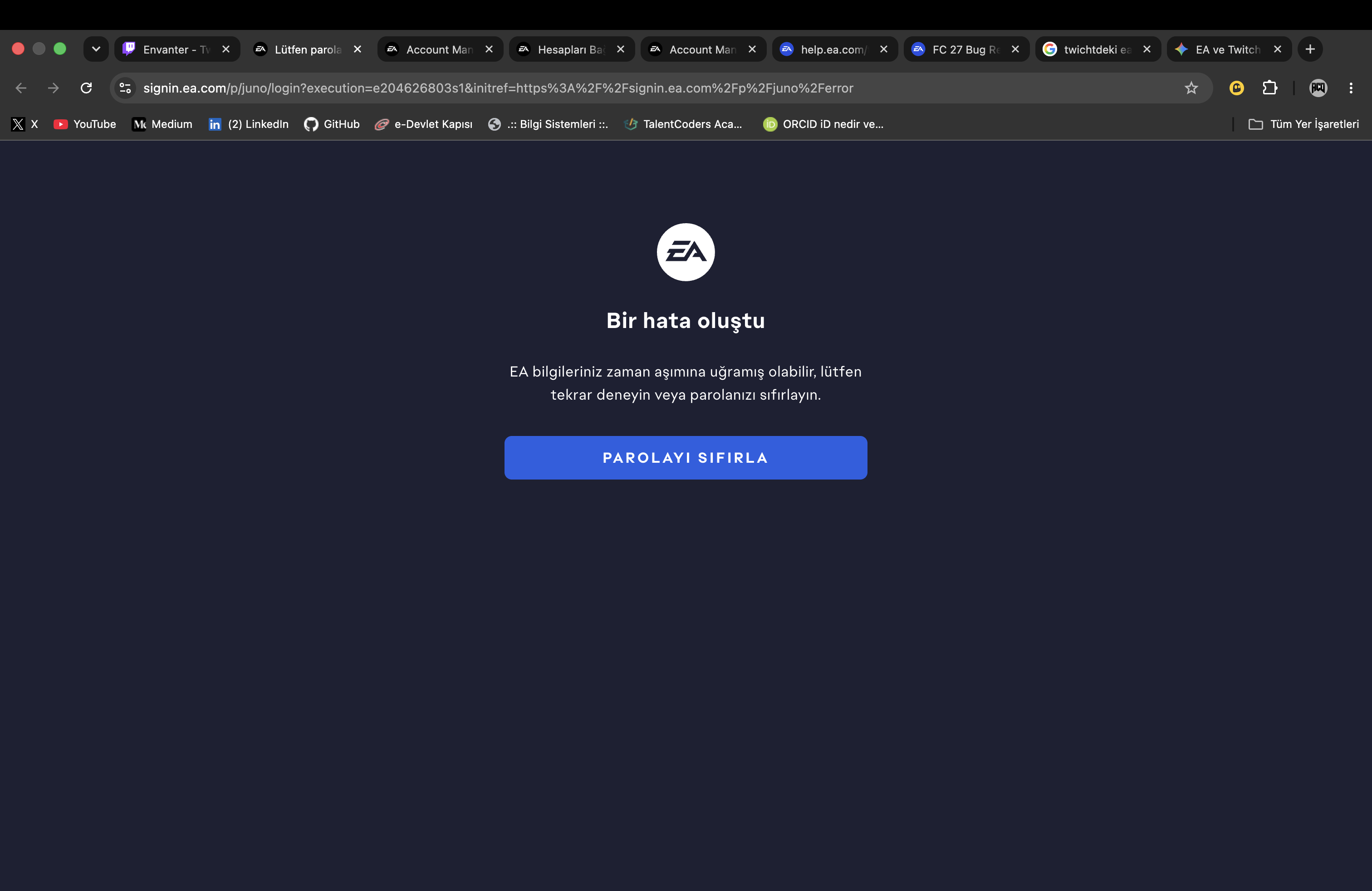
When I click "Connect" on the Twitch Drops inventory page, it redirects me to EA login with the error: "An error occurred - Your EA credentials may have expired, please try again or reset your password."
Resetting the password does not fix the issue and the error loop continues.
When attempting to resolve this on the EA side, I get the following message:
"Your accounts cannot be linked because your Twitch account AliihsanD16 is already linked to your EA Account for b4*****@disabled.ea.com."
Core Problem:
My Twitch account (AliihsanD16) is stuck linked to an old, disabled EA account (disabled.ea.com). Because that EA account is disabled, I cannot log into it to manually unlink Twitch myself.
Request:
Could an EA advisor/support staff please manually unlink my Twitch account (AliihsanD16) from the disabled EA account (b4*****@disabled.ea.com) so I can link it to my current active EA account?