tapczinio
8 months agoSeasoned Newcomer
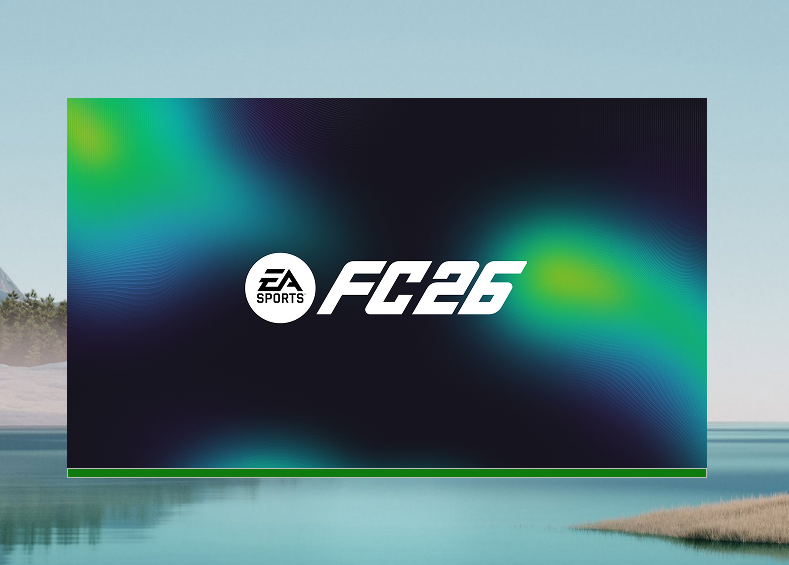
EA FC 26 - Windows 11 Launching error
I have the same problem from start trial version. I tried all recommended things.
What I already tried:
- Updated NVIDIA drivers (clean install Game Ready driver).
- Reinstalled EA AntiCheat through EAAntiCheat.Installer.exe (Uninstall → Install → Reboot).
- Checked that EAAntiCheat.GameService still runs in background after fail.
- Cleared EA App cache via App Recovery and manually in ProgramData.
- Fully reinstalled EA App (removed leftovers, fresh install).
- Ran both EA App and FC26.exe as Administrator.
- Verified VPN is off, running only on laptop screen.
- Removed NVIDIA App, left only driver.
- Disabled all overlays (EA, Discord, GeForce).
- Added EA App, AntiCheat and FC26.exe to Windows Defender exclusions.
- Checked BIOS: Secure Boot enabled, UEFI mode confirmed in msinfo32.
Can EA Support confirm if this is still a known issue, or if there are more troubleshooting steps?
Thanks.