Forum Discussion

95 Replies
I can play the game again I deleted the save data from the playstation I started the game until I came back to the menu then put the cloud save back on the playstation by overwriting the save that was made again after this I started the game and everything works as it should again and I have all the cars in story mode, we did a few races so that I have a fresh save in the cloud and on the playstation
- @Adrianwrld15 Watch this video https://www.youtube.com/watch?v=ZSXnHU9HLko&ab_channel=TDGGaming, Take notes on resyncing your game, this worked for me! Basically remove your save files, while also saving them on your desktop, make new one by launching the game again, leave the game and change save files to your old ones. Works on PC but as for the others i think you'd need to sell all of your cars
NFS Unbound error code 40010000
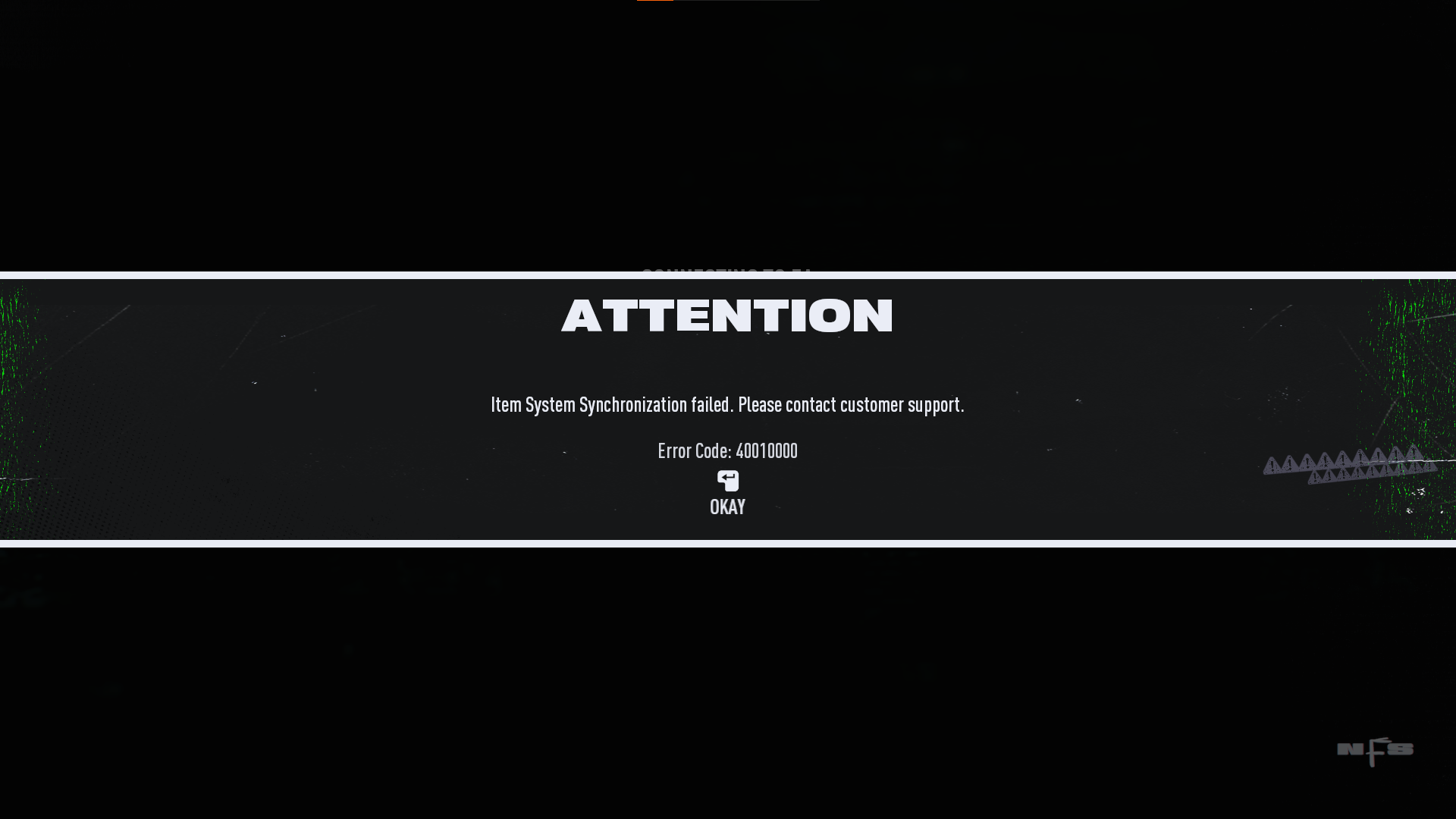
game gives me this error code after the new update , 40010000 which make me only play offline , btw am on PC , i tried verifying content from steam but didnt help, need help asap!!!
I had the same issue you as you. Tried selling all cars from story and online which sucked but nothing on here worked for me. I wound up signing in a second profile on my xbox, started a completely new game on that profile, after I got to the character select screen I backed out to the main menu. Clicked on choose profile think it was Y on main menu (Should be next to your profile name) Click on the profile that you're having issues with and let that sign into EA and luckily enough for me that got me through resynced on my main profile. I just kept trying any way I could to force it to reload/resync and even deleting game file from console wouldn't work. Maybe this will help someone else that was as ticked off as me., Still furious I sold EVERYTHING though.
I haven't been able to play online over this issue the same date vol.4 was released! Sold every single car in my collection, have deleted game and reinstalled and still same issue persists. Can you please help me?
 EA_Groguet2 years ago
Community Manager
Hello racers,
Could you please specify on which platform are you playing?
-Groguet
PC , on steam and i have the 40010000 problem
Помогло переустановка сохранения,копировал удалил создал новое и заменил на старое всё работает.
Hi I have receive a error code 40030000
Item System Synchronization failed. Please contact customer support. For first time in nfs unbound what should I do ?
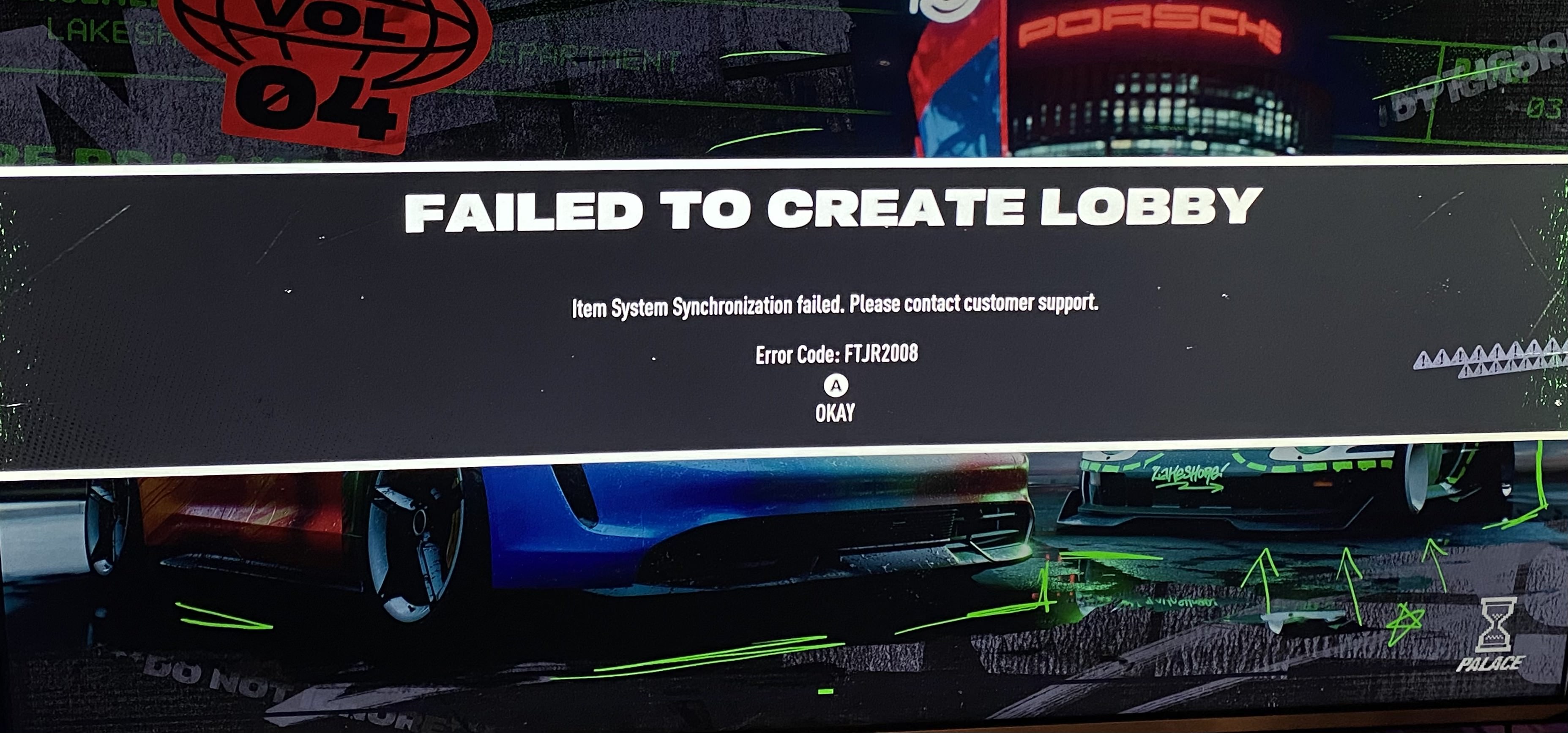
@EA_GroguetXbox series s. Error code ftjr2008 and Error 40010000. Won't let me play online at all. Started this last night. Uninstalled and reinstalled, restarted system and modem multiple times
- @EA_David hello can you investigate my account as well? I'm having the same error code and have already deleted a couple of cars.
here are my error screenshots.
- EA_Groguet2 years ago
Hello everyone,
Thank you for reporting and coming back to me with the info I requested. I have collected some examples and reported this issue to the Team. As soon I have more info I will let you know.
-Groguet
I’m having the same issue. It started last night. - PS5
On Xbox series s. For 4 days now been getting Error code ftjr2008 and 40010000. Deleted local saved data. Uninstalled that game and reinstalled. Restarted router multiple times, nothing has worked
Just stopping in to say I'm also receiving these errors on PC (Steam). I can't play online since I started getting these errors last night. Never had any problems until Vol .4
It started happening after my internet dropped right after an online race. After restarting my internet and restarting the game, the error appeared and I haven't been able to get rid of it.
PS5 Issue Resolved
Below are the steps I used to fix the game. Hopefully this works for others.
1) Turn off Auto Sync Saved Data for NFS Unbound.
2) Delete all cars except 1 in both campaign and online. - I chose an old car I had for both - Not an unlocked or DLC.
3) Change character pose and banner audio in both campaign and online -I chose a standard setting for both, not an unlocked or DLC.
4) Exit game and restart console.
5) Download saved game data from cloud storage.
6) Restart game.
7) No errors and everything worked - No lost cars, wraps, or tunes.
8) Exit game and turn Auto Sync back onHope to see everyone experiencing this issue back on the streets soon!
Thanks to everyone who provided feedback on a resolve as well!
I believe the root cause is in the new DLC content.Juegos en Xbox no me deja jugar el línea cuando salió la temporada de Porsche
Fixed but all my cars I sold are gone online 😭
Hi mr / miss
I am righting to you to say all of today I’ve been trying to play nfs unbound online and it keeps on giving me a error code and will not let me on
Product: Need for Speed: Unbound
Platform: Xbox Series X
Summarise your bug: I can't seem to be able to access any online features. As soon as I log into the game, I get error codes 40010000 followed by FTJR2008 when I go into Lakeshore online.
How often does the bug occur?: Every time I launch the game, I tried deleting and re-syncing Xbox's local save data, still no luck.
Steps: How can we find the bug ourselves?: You can find the bugs present in the screenshots I will attach with this post, it restricts me from getting into a Lakeshore Online session, I can only access story-mode.
What happens when the bug occurs?: When the bug occurs, I'm still able to customise my own cars, character, and banner as normal... But as soon as I try playing online, I'm once again faced with error code FTJR2008, unable to access Lakeshore online entirely.
What do you expect to see?: I expect to see some sort of solution for this ASAP, and have my item synchronisation restored. I have a substantial progress in this game, such as expensive cars in online, or completed events such as 3-Stars on all activities. I do not wish to restart my save game, as story-mode has been played to completion too.- @Adrianwrld15 Sorry buddy, I’m no expert but a lot of us are having this same issue and EA won’t do anything about it. The game was fun while it lasted though.
Am playing on the xbox 1
I been having this issue since monday and i just bought some DLCs and the pass is still going on…. 40010000 and the FTJR2008 what have you guys done to get fix???


Featured Places