Solved
Forum Discussion


proxos666
3 years agoHero+
goto the subscription tab on the left then click on the " view your purchase history " , i would guess the purchase had failed

3 years ago
@proxos666 yes you are right but i paid and got the cartel points ☹️
- proxos6663 years agoHero+
Support have asked you to stop trying to purchase the subscription , they will email you when you can try to purchase again
- 3 years ago@proxos666 thank you i'm waiting..
 3 years ago
Same here, having troubles buying a subscription via the site.
Using the site since buying it via steam never worked for me.
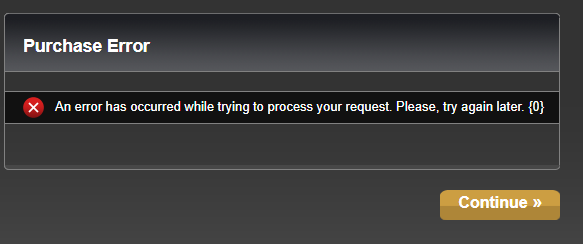
It ended some days ago and i couldnt resubscribe i am always failing after allowing it to charge my paypal with a nothing saying error.
Its simply telling me to "Try it again later"
- proxos6663 years agoHero+
swtor username ?
if you have a stream purchase email per https://answers.ea.com/t5/General-Discussion-Technical/INFO-Steam-Purchase-Not-Working/td-p/9356718/jump-to/first-unread-message
- 3 years ago
AccountName: OsakiNana
I am not subscribing via steam, i just use the steam client to start.
I was subscribing via the homepage wich results in the screenshots error.
- proxos6663 years agoHero+
is flagged with swtor support , response should be in about 3 hrs when they are online for the day
- proxos6663 years agoHero+
To fix the account You need to reset the password on the linked EA account that account has no persona (not Shinyanata your posting on now) that EA account uses the same email as on your swtor account
use the following link (insert the swtor email) to reset the password then login on that EA account to fix the swtor account for purchasing
for future purchases, use incognito mode on chrome initially if you purchase on swtor.com to be sure browser cache and cookies is cleared
Featured Places