Forum Discussion


EA_HighCommand EA QV Team
7 years agoEA QV TeamHi @Barhilo and sorry to hear that.
Have you already completed the available troubleshooting steps from or help article?
 Barhilo7 years agoNot applicable
Hi @EA_HighCommand ,
Yes I have, which is the reason why I waited after the dozens of times before logging this issue, instead of after the first couple. I'll list through them, starting with my scenario
I was originally using an LG V20 with Android OS Oreo. I started encountering the problem on that device and while trying to run through different problems with trying to resolve that (at various times) it unfortunately slipped and cracked the screen. It was starting to slow down so it was time to replace anyway, so I replaced it with the Oneplus 6T
Given that the Oneplus 6T is a brand new device, I downloaded all the updates and security stuff, migrated all the old info from my old phone too. I'll list the troubleshooting steps below from the link you provided:
- Delete unused apps & clear cache
- Not really a problem especially on a new phone as there's a lot of space available, but essentially did this by migrating to a new, empty phone too (the migration process was an import rather than a copy/paste)
- Latest update
- Yes
- Screen not responding
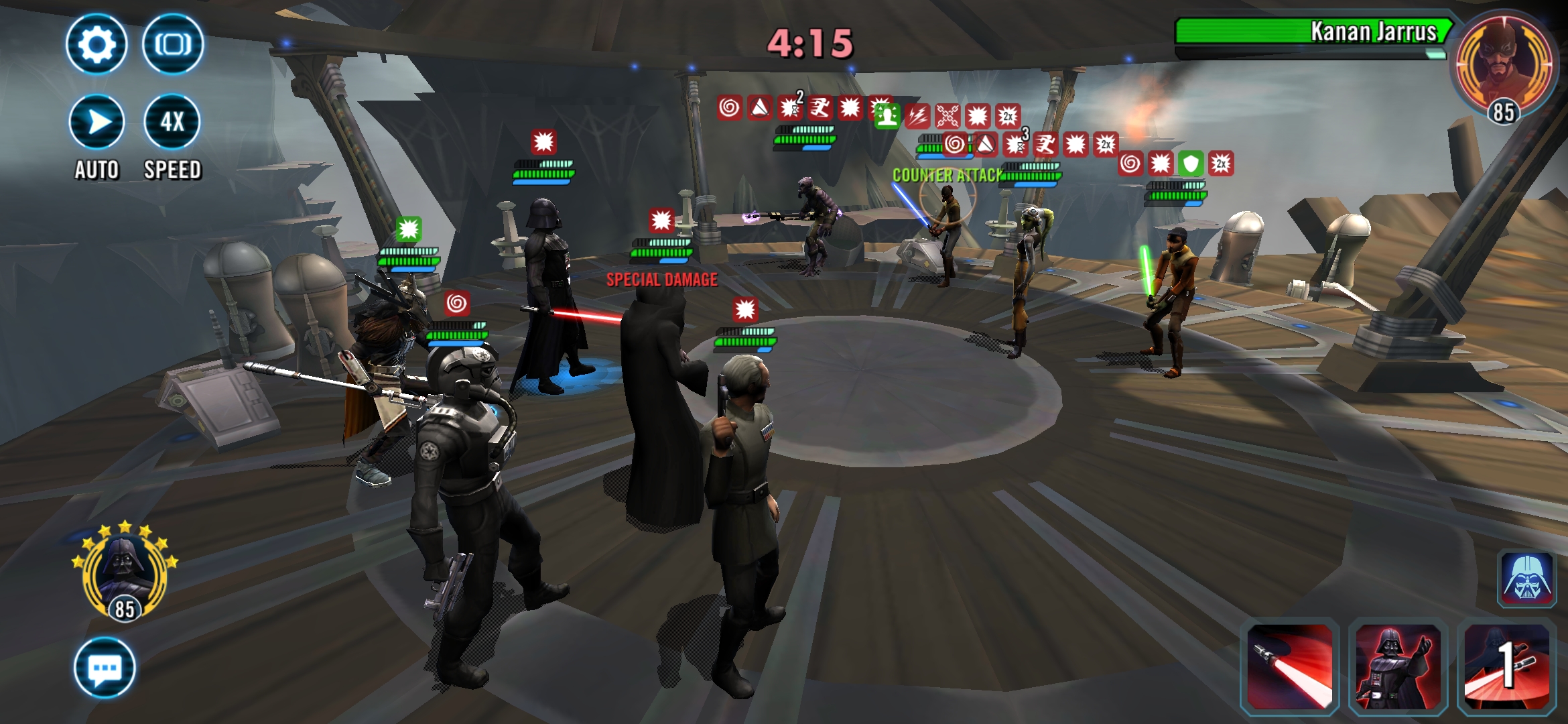
- The screen in the app isn't responding, I can operate the rest of the phone without a problem
- App won't download
- Not relevant, app downloads
- Close background apps
- My most recent occurrence I had 4 apps running as well, I'm hoping that these 4 apps won't consume 8GB of ram, in any case, none of them were games other than SWGOH
- Restart app
- Yes, this resolves the problem I encountered, but the problem keeps occurring without a restart
- Force restart device
- Same as above, does cause a new instance to work, but as an example I force restarted yesterday and just ran into the problem again minutes ago
- Mobile connection
- The connection loss gives a different error message, but doesn't freeze the screen. In any case, the connection is secure and happens on both mobile and wifi
- Clear cache and data
- Again, new mobile, but I can try clear cache and data again
- Update Android version
- not necessary.
Hope that helps.
- Delete unused apps & clear cache
- Barhilo7 years agoNot applicable
I cleared my cache and had a nice run of a couple of days when it didn't freeze out. Alas, i got it again at a most inopportune time.
- Barhilo7 years agoNot applicable
And the result of the current ignorance is a certain win is turned into a loss. In previous grand arena as this meant a matchup loss. Should I keep a count of how many times, and how many crystals this bug costs me?
- Barhilo7 years agoNot applicable
It happened again today and cost me 50 crystals to refrehr as a result


Featured Places

SWGOH Technical Issues
Get help and discuss troubleshooting for STAR WARS™: Galaxy of Heroes with other players.Latest Activity: 21 hours agoCommunity Highlights
- EA_Lanna5 months ago
Community Manager
- EA_Lanna7 years ago