Forum Discussion

Anonymous's avatar
Anonymous
8 years ago
Solved

BUG- Device crashes after 11/22 Update

We've received reports of update crashes with iOS 11.1.2 on iPhone 8 devices. We're currently investigating the issue and should have more information soon. Thank you for your patience as this is being handled.

ISSUE WORKAROUND (11/22)

 (UPDATED 11/29)
If you are on iOS and experiencing a crash on startup, please try one of the following: 
OPTION 1
  1. On your iOS Device, go to Settings > General > About.
  2. Tap the first line, which shows the name of your device.
  3. Rename your device and be sure to only use English alphanumeric characters in the device name (e.g., myiPhone2, Chewbacca’s iPhone, etc.)
  4. Finally, tap Done.

OPTION 2

  1. Go to Settings > General > Reset > Reset Network Settings.
  2. This also resets Wi-Fi networks and passwords, cellular settings, and VPN and APN settings that you've used before.
  • Anonymous's avatar
    Anonymous
    8 years ago

    Please try resetting your network settings and tell us if that resolves the issue for you.

337 Replies

  • Anonymous's avatar
    Anonymous
    8 years ago

    Hiya,
    Players are active again, myself included, aye, but this doesnt mean that the problem is fixed. Players want to play the game, so we found other ways to do it. Some bought new phones, some use their friends phones, some play through bluestacks etc. 

    The update ruined the game for many players, and you still havent fixed sh*t.

  • Anonymous's avatar
    Anonymous
    8 years ago
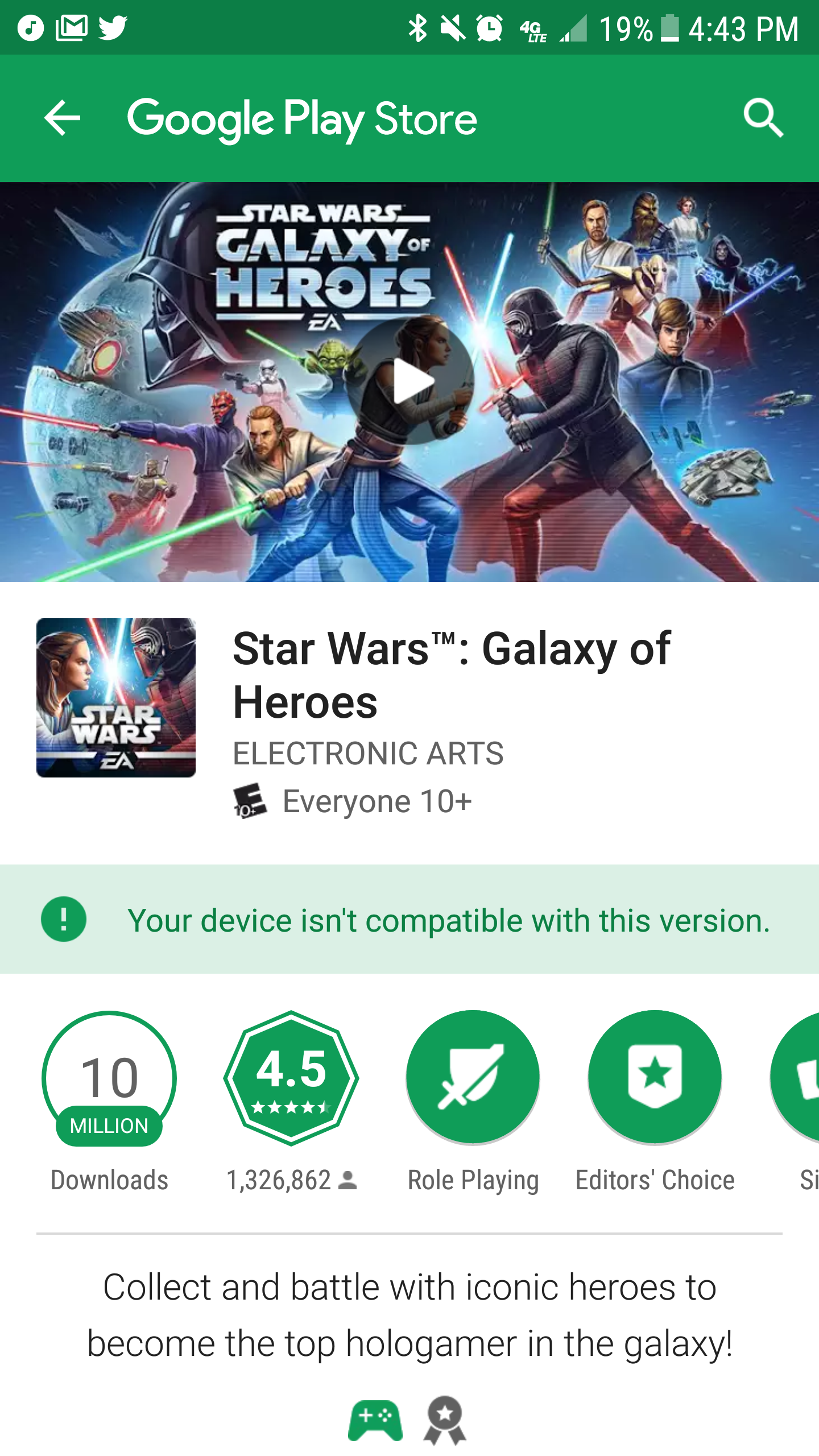
    Ok everyone, here is the solution Android 7 users have been waiting for!!! It actually worked. Follow the instructions from EA assistance that they sent me. It is an attached screen shot.

    And with that I say screw this useless forum and lack of assistance. They didn't want to start a thread for Android users and they only provided a solution for iOS users. They've been utterly useless and if a solution like the one I'm sharing is known then that should have shared it with us long ago!!! What a bloody freaking useless waste of time and energy this avenue has been. Good riddens!

  • For iOS users who have still been facing crashes, please note there is a new version on the App Store. Please update to the newest version and if you still experience issues, please reply with your Ally Code, Device and OS.

  • Anonymous's avatar
    Anonymous
    8 years ago
    Not sure how to access my ally code but I have a galaxy Samsun S7 active. I did everything asked above and for a second the "install" feature was present. When I pressed it, it when back to showing the game is incompatible


    Also....its extreme sad how the Community for Andriod have to find out own solutions. Even rhe EA above mentioned on IOS....really? So you even read your own support forums? How do you have a job? How do any of you have a job?
  • Anonymous's avatar
    Anonymous
    8 years ago
    My Ally code is 444-886-864, I used to play on my Lenovo tablet but haven't been able to since the last update. I can login once in a while on my son's phone but it runs super slow.

    Any help help or fix would be greatly appreciated.
  • Anonymous's avatar
    Anonymous
    8 years ago

    That is right Kozi, I login in the game, but not from my Lenovo tablet, where the game is crushing since four weeks ago. I use borrowed device. Any chance the game will run on all devices again? Thanks for any answer.

  • Stashez's avatar
    Stashez
    8 years ago
    627-371-581
    iPhone 6+
    10.31
    Used to just crash every 4/5 fleet arena battles on launch
    Now crashes when typing in chat
    Uninstalled game 3 times and still happens
    Only ever happens on this account which is the only one that is a guild leader

Featured Places

Node avatar for SWGOH Technical Issues

SWGOH Technical Issues

Get help and discuss troubleshooting for Star Wars: Galaxy of Heroes with other players.Latest Activity: 48 minutes ago
27,543 Posts