.sims3packs Won't Install
- 5 years ago
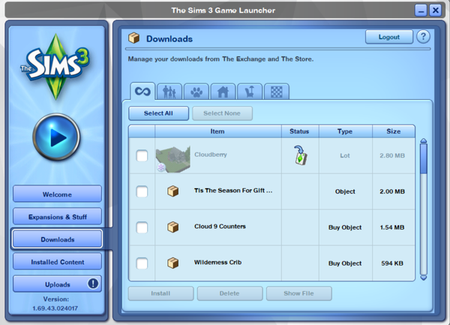
@drew10player You're correct that installed .Sims3Pack is supposed to transfer over with the user data folder. Sometimes it doesn't work though. Store content is especially sensitive—it's often necessary to reinstall, and even redownload, when switching install types, e.g. from a disc to an Origin install; other times, even switching from one Origin install to another makes it stop working.
The error message when trying to reinstall some content could have a couple different causes. One is that a .Sims3Pack is corrupt, or in the case of store content, the encryption is blocking you from installing, and you'll need to download a fresh copy from the store. Another cause is that the content is still installed, just not working, and so you can't install a second copy. If any worlds are affected, try removing their files from the InstalledWorlds folder as well; if you're trying to install saved households or builds, or sim CAS templates, remove the Library or SavedSims folders, respectively. You can put the contents back later, at least the files that aren't duplicates. Although it's difficult to find out what the Library files are, you can try sorting by file size.
This is often difficult to sort out, especially if there's no pattern to what works and what doesn't. If this process is too much of a hassle, it might be easier to reinstall your .Sims3Pack content from scratch, and redownload the store content as necessary. Aside from the files mentioned above, store stuff is in .ebc files, and custom content in .dbc files, both in DCCache. There's an additional file called ccmerged.package in DCBackup that's necessary for premium store items to work, so if you're reinstalling, delete that too. Or just delete the DCCache and DCBackup folders and open the launcher to create new ones.