[Current Issue] Sims 3 "serious error" when loading save

cosmiclunaa Try creating a new admin Windows account and playing there. Make it local, as in, don't link it with your Microsoft account or any email address. You'll be able to open the game without reinstalling anything, but your saves and other user content won't be available. That's fine for now and can be addressed later if you want, and if this helps.

I tried that as well and it hasn’t worked. I did one last uninstall and reinstall. still nothing.
cosmiclunaa Try again with another new admin Windows account, but this time, disable your antivirus before creating it, and don't reenable it until you've tested Sims 3. As long as you don't do anything else, your computer should be safe. If this helps, set exceptions for TS3.exe and Sims3Launcher.exe (EA App install) or TS3W.exe and Sims3LauncherW.exe (with the W, disc or Steam install) before launching the game with the antivirus active.
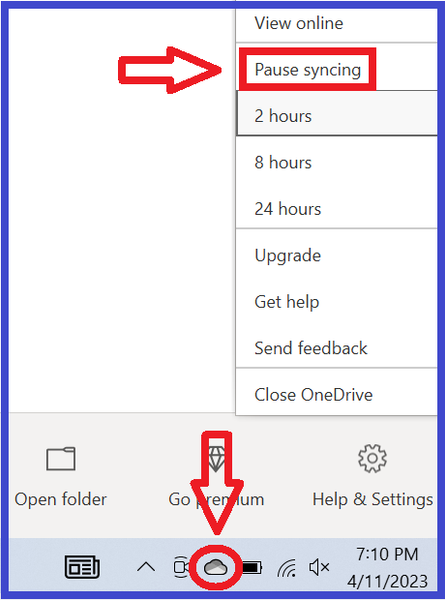
If this helps, I would love to know what antivirus you're using, because it very much sounds like there's another cause of the "serious error" aside from OneDrive. For the first couple months of this new wave of errors, everyone who replied has said disabling OneDrive helped, but you're one of a few who more recently reported that that didn't make a difference.




