[Current Issue] Sims 3 "serious error" when loading save

I cannot load a saved game or start a new one from the main menu because I keep getting the error message "a serious error has occurred. it is highly recommended you restart the program."
I have turned off OneDrive and Antivirus and chatted EA to no avail.
Can anyone help troubleshoot? Thanks!
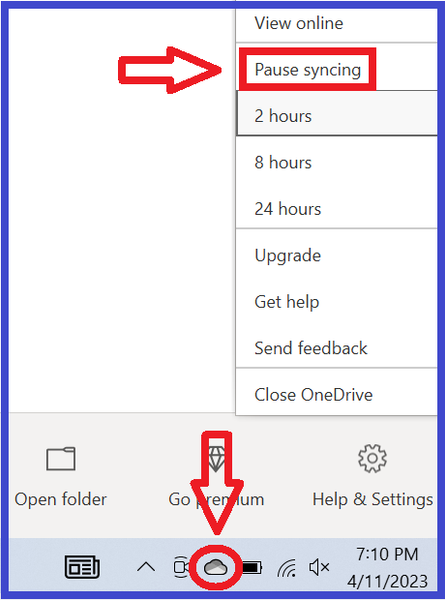
d4hess2614 When you say you turned off OneDrive, did you go through the process of telling it not to sync Documents anymore? I ask because this is what moves your user's Documents directory out of the OneDrive folder; it's not enough to simply unlink or uninstall OneDrive. Your computer has several documents folders, but only one is designated as the directory for a given Windows account, and Sims 3 will try to use that location too.
If you're not sure whether you did this, search in Windows for Command Prompt, open it, and enter this:
reg query "HKCU\Software\Microsoft\Windows\CurrentVersion\Explorer\Shell Folders" /v "Personal"
The command will return the location of the Documents directory. If it's still in OneDrive, you can force it back to the standard location:
If this doesn't help, try creating a new admin Windows account and playing there. Make it local, as in, don't link it to your Microsoft account or any email address (you can keep saying no), and there will be no OneDrive tie-in.