[Current Issue] Sims 3 "serious error" when loading save
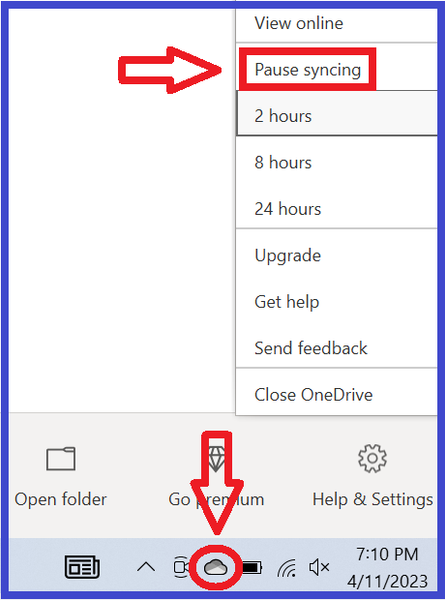


Okay i did as the link said and unlinked onedrive from my pc and even verified that the documents folder was no longer in onedrive. It didn't work. I still get the message. any other ideas?
@neoromanempire Do you get the message when trying to start a new save, or only with existing saves? If new saves are affected too, please rename the Sims 3 folder, or move it, to allow the game to create a new one, and test again.
If you still get the error, please create a new admin Windows account and try playing there. Make it local, as in, don't link it to your Microsoft account or any email address. You'll be able to launch Sims 3 without reinstalling anything.
I dont have any saves. I recently built this PC and downloade Sims 3 on it like a week ago. The Sims 3 has never worked correctly on it yet. I get the message when attempting to create a new one regardless of which world I attempt to load, always the same. It loads the entire bar immediately and then says the error message and sends me back to the main screen.
@neoromanempire Then please try a new admin Windows account. It's possible something is wrong with your main account, or at least wrong enough to affect Sims 3.
Okay that worked. I am able to play Sims 3 ON THE LOCAL ADMIN ACCOUNT ONLY. I also needed to redo most of the steps in that youtube video to get Sims 3 recognizing my graphics card and reinstalled the mods that improve performance but now that I'm done with all that it runs great. I still wish there was a way to not need two accounts on my PC and to run Sims 3 on my main microsoft account profile, so i hope someday somebody can figure that out, but for now my problem is solved and I can play The Sims 3 on my new custom built gaming PC. Thank you.

