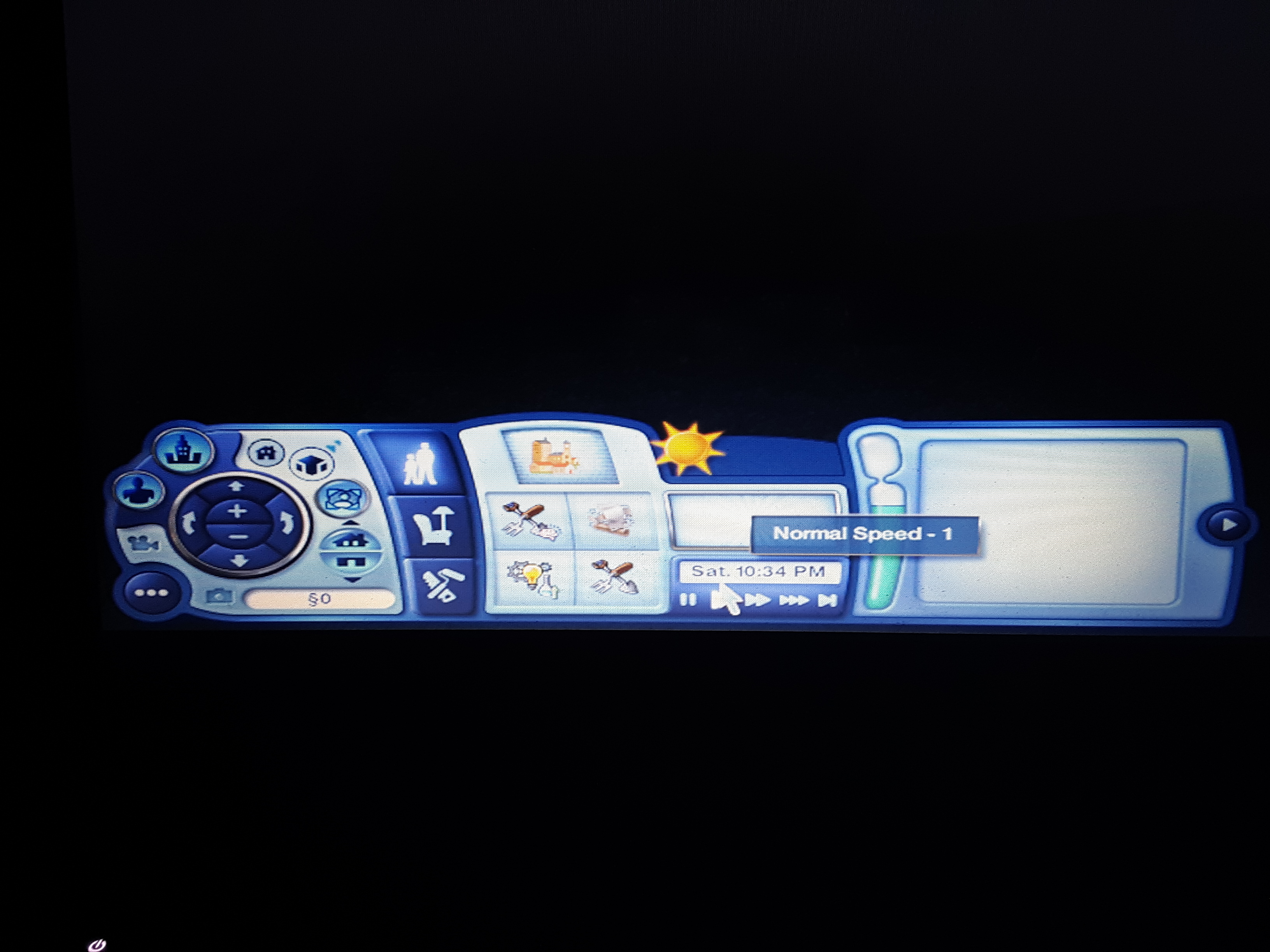
@Paddeddowngamer Before you do anything else, please delete the five cache files in your Sims 3 folder in Documents\Electronic Arts. They should be deleted regularly anyway as well as every time you quit while you're troubleshooting. For reference, they are:
- CASPartCache.package
- compositorCache.package
- scriptCache.package
- simCompositorCache.package
- socialCache.package
Try going to Edit Town, evicting the household, and placing the sims back in their home. If you do this in one Edit Town session, without saving and replacing your existing sims, they should keep their jobs and relationships, although they'll lose their promised wishes and opportunities.
If that doesn't help, or you can't access Edit Town, try loading a backup save. Even if you've never created one, the game keeps the data from the second to last time you saved. Open Documents\Electronic Arts\The Sims 3\Saves, and you'll see a folder with your current save name and another with the same name plus a .backup extension. (For example, if your save is SunsetValley, you'll see a SunsetValley.sims3 folder and a SunsetValley.sims3.backup folder.) Change the backup's name and delete the extension (e.g. SunsetValley1.sims3), and it'll be available to load at the Main Menu.
If the main save or the backup works, let the game clock run for a few sim-minutes and then use "save as" to rename the save. That way you'll have the original intact if you need it later and can play the new copy forward.