Forum Discussion

costalovesit's avatar
4 years ago

No shadows on Parallels Desktop on M1 Pro mac

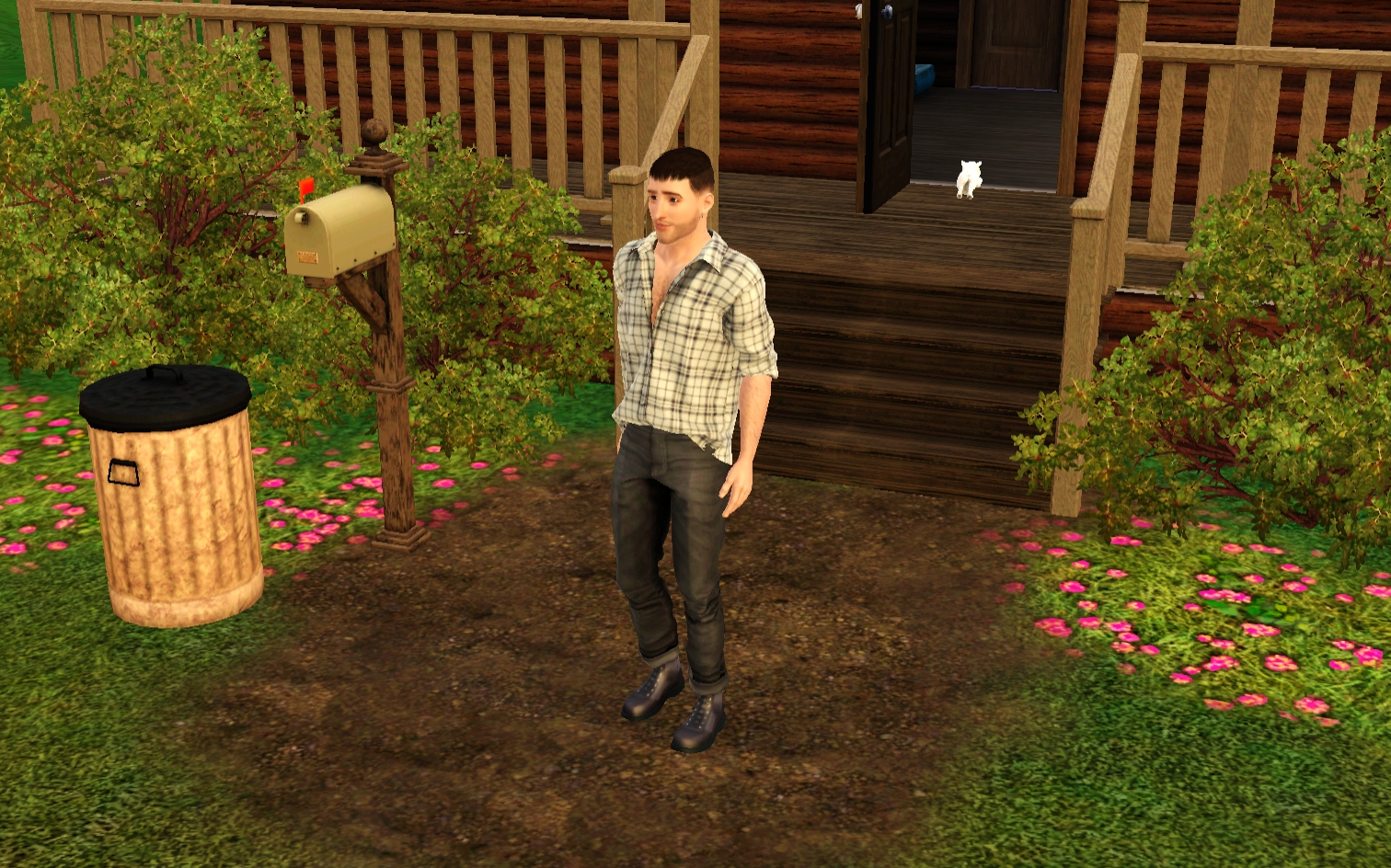
Hiii hope someone can help me out. I own a Macbook Pro M1 pro and I run Parallels Desktop 17 with Windows 11. The game runs amazing and smooth but they have no shadow (see screenshot). It runs better than the Metal/64-bit version imo. The only downside is that there is no shadow. Im not sure, but I think it has to do with that the game does'nt recognize the GPU. I know that people edit their graphic rule file so it does recognize modern GPUs. But I don't know how to make it recognize mine. Did anyone successfully made Sims 3 recognize the M1 Pro GPU? 

See my screenshot for example.

Via my post on reddit I heard that @Bluebellflora is a Mac expert so I hope you can help me out! Thanks in advance.

38 Replies

  • @woejd  Please also post a screenshot of the lines you added to graphicscards.sgr, so I can compare the two.

  • woejd's avatar
    woejd
    3 years ago

    @puzzlezaddict my apologises, here’s what i added to the graphics card.sgr 

  • @woejd  Everything looks fine there, although it appears that you may have put a space after (WDDM) in one or both files.  (It's difficult to tell with the fonts the files use.)  One simple test here is to change the false in graphicsrules, a few lines down from the Parallels entry and just above the RenderShadowMode info, to true.  If this helps, it means that the game recognizes that you have a Parallels GPU but isn't matching it with the exact entry in graphicsrules.  If it doesn't help, the entire Parallels info in graphicsrules isn't working.

  • tjamie97's avatar
    tjamie97
    3 years ago

    @woejd I got this working now, thanks @puzzlezaddict for your help.

    First thing I did this time round is download Sublime Text (free trial), enable C++ formatting and edit the files there - makes it easier to check if the syntax is correct. 

    At the very end of Graphicscards I added the following:

    vendor "" 0x5404c42
    card 0x0000 "Parallels Display Adapter (WDDM)"
    end

    If Deviceconfig has a name for your vendor, you should enter it between the quotes after vendor in Graphicscards above. Mine does not, so I leave it blank as above. The number after 'vendor "" 0x' is the Vendor number in Deviceconfig and the number after  'card 0x' is the Device number after 'Chipset:' in Deviceconfig

    I added the following to Graphicsrules in the same place as the screenshot attached by @costalovesit, i.e. before the ATI entries:

    elseif (match("${cardVendor}", ""))
    if (match("${cardName}", "*Parallels Display Adapter (WDDM)*"))
    seti cardLevel $cardLevelUber
    seti isCardMatched true
    else
    seti cardLevel $cardLevelUber
    seti isCardMatched false
    endif
    setProp $ConfigGroup RenderShadowMode 2
    setProp $ConfigGroup ShadowMapAllowNullColor 1

    Again, if you have a vendor name in Deviceconfig you should add it between the quotes.

    Please see attached screenshots. 

    Shadows work in TS3 & Edit-in-Game but not in CAW. So you'll need to at least boot EIG to test this!

  • Thank God I found this! 

    But whenever I edited the graphics files, found the vendor name and changed it accordingly in the GraphicsCard.sgr files, the TS3.exe would not launch, and causes an Access Violation error, according to the xcpt error files.Then, my Device Config.log file would be completely emptied, with no words in it at all. 

    Can anyone help?

    These are  my device config, GraphicsRules and GraphicsCards are attached.

  • puzzlezaddict's avatar
    puzzlezaddict
    Hero+
    2 years ago

    @NykoIaz  Please try using each of the edited files separately, to see whether the problem is one of your edits or just the fact that  you're changing the files at all.

  • NykoIaz's avatar
    NykoIaz
    2 years ago

    So I did a little testing. The problem is the rules added to GraphcisRules.sgr. It prevented the game from starting. So I changed it here and there, following the advice in this thread, Now my game will start, but the options.ini and DeviceConfig.log are empty. Meaning the rules did not make the game recognize my GPU.

    A quick tour of reddit tells me that this is because of a corruption of the GraphicsRules file. So this means that the rules doesn't work for me... I must have done something wrong...

  • puzzlezaddict's avatar
    puzzlezaddict
    Hero+
    2 years ago

    @NykoIaz  Start over with the default GraphicsRules file, and test the game to make sure DeviceConfig populates.  Then only make the recommanded change to VRAM (called texture memory), nothing else.  For reference, it's changing this:

    if ($textureMemory == 0)
    seti textureMemory 32
    setb textureMemorySizeOK false

    to this:

    if ($textureMemory == 0)
    seti textureMemory 1024
    # setb textureMemorySizeOK false

    As in, you're changing the 32 to a 1024 and putting a # and space in front of setb.  The idea here is to make an edit known to be acceptable, to see whether the problem is the edits you're using or the fact that you're editing the file at all.

    DeviceConfig should still populate and should list your card as Found but not Matched, since the device ID will be in GraphicsCards but not in GraphicsRules.