Pixellated/discolored screen with Edge Smoothing on
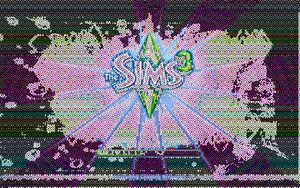


@1345annie Please delete options.ini from Documents > Electronic Arts > The Sims 3. Launch the game to the Main Menu, enable Edge Smoothing, set your in-game resolution to 1920x1080 or below, change to windowed mode (cmd-enter), and quit. Don't change any other settings. Reload and let me know if you get the same error.

Nevermind I figured it out 🤦🏻♂️