Registration Code Not Working
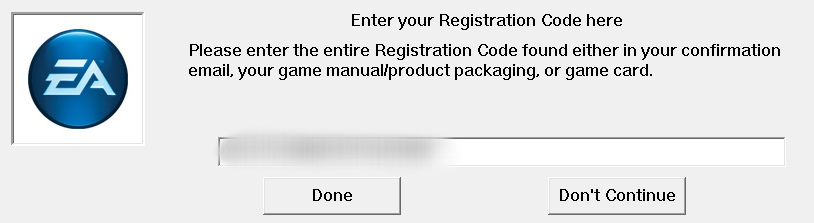
I just got a new computer and wanted to download my sims 3 games onto it. I downloaded the base game and played it no problem, but once I downloaded all my expansions a window popped up when I clicked play saying, "Enter your registration code here," I went to the details page and got the 20 digit product code and clicked "done."
The window popped up again saying "Re-Enter and verify your registration code."
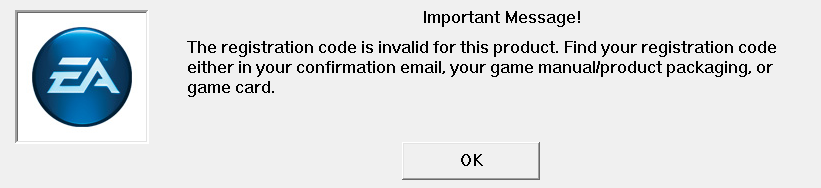
I also got the message "The registration code is invalid for this product."
Is there a difference between the Product Code and a Registration Code? If so where can I find it?
If not... How do I fix this problem? I pretty much got this new computer to play it so I'd like to be able to do so.
Note: I read somewhere that going into the program "ragedit" and changing the "ergc" data value to the product code would fix it, but it didn't help either.
Also I installed some custom content before I downloaded the expansions but there is none no longer in the game. Would that be the cause of the problem possibly? (I don't know why it would but whatever I'm mentioning it anyways.)