Forum Discussion


DonroaAkashu
7 years agoSeasoned Ace
@Annarata I think downloads from The Sims Store are launcher specific; and different TS3 installment have different launchers. Trying to install an item downloaded through one kind of installment specific launcher; into the launcher for another, is one reason for that error message, as well the 'brown box' icons for the items.
It seems to be a generic message though, and can also mean your game is not updated for instance.
Did you download directly from the store, for instance from your Purchase history; and did you open the launcher before you pressed "Download"?
Or did you copy your previously made backups of store items and pasted them into the Sims 3 folder? If the latter: were the previously downloaded items from a different install version?
Do you now have different installed versions of TS3 on your computer(s); through discs, Steam, Origin?
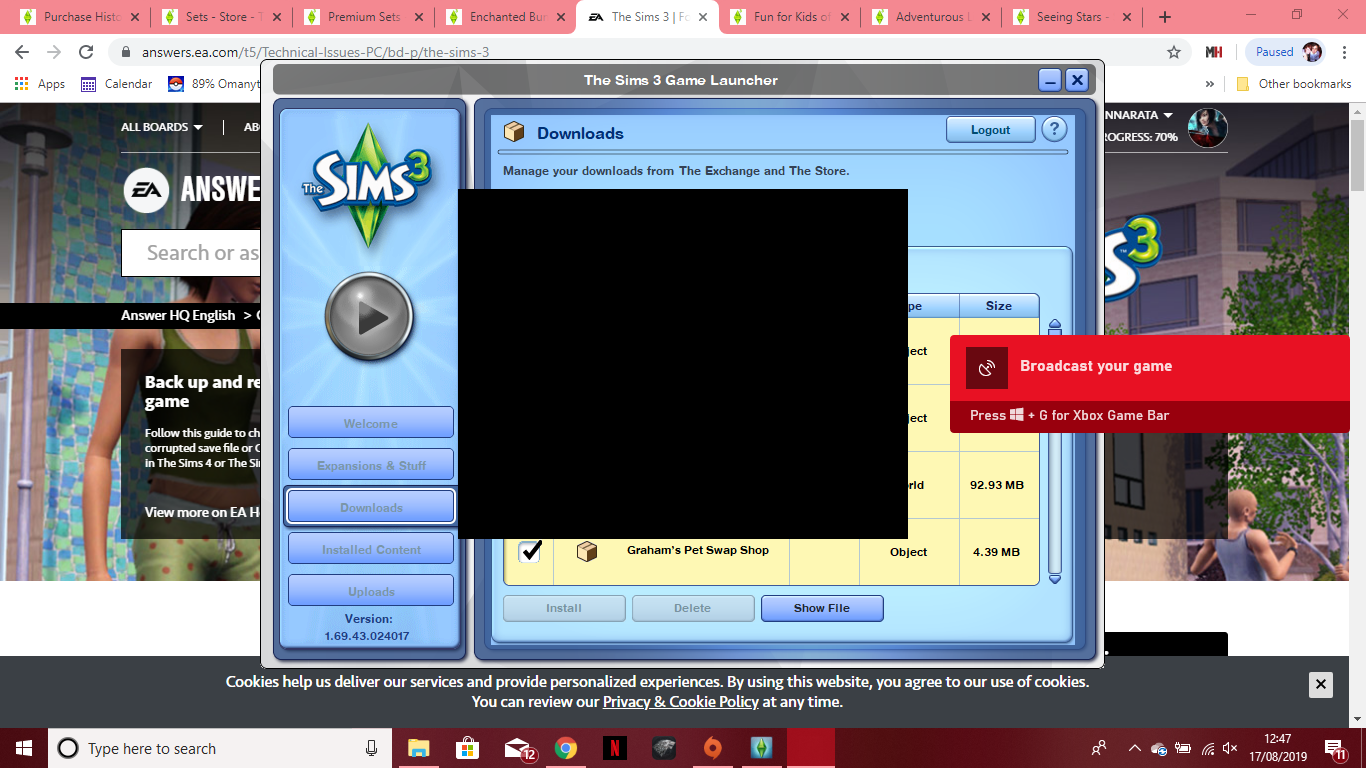
 7 years ago@DonroaAkashu I only have it through origin. I have tried both opening the launcher first and opening through clicking the download. I have only done it through downloading from the sims store website not back ups from another file. I am not sure about the updates as I dont have the update tab and I believe origin just tells me when to update or does it automatically when it has one. I'm not sure what the current version should be but my version is shown in the screenshots I believe
- 7 years ago@DonroaAkashu I was talking to the EA chat and although they thought I had an issue with my sims game actually launching they had me unistall and reinstall origin through a link they sent me. Once I launched sims from this after they had me make it so origin doesnt automatically update all the things I installed last night were working again. The origin told me to update and after I did they were all broken again. I am thinking maybe I have an issue with the origin update that is causing my issues with sims ?
- DonroaAkashu7 years agoSeasoned Ace
@Annarata Thank you for clarifying. It's normal for Origin to want to update. I suggest you try to download and install one store item in a new sims 3 folder to see if that will work:
Rename The Sims 3 folder in Documents>Electronic Arts to: The Sims 3old; and launch the game, a new folder will be created. Download just one item from the store to it, and let me know if it works.- 7 years ago
Thank you I will try this and see if it works first I need to try and get it back to the last lot working since the origin updated. I will let you know how it goes
Featured Places



.png)