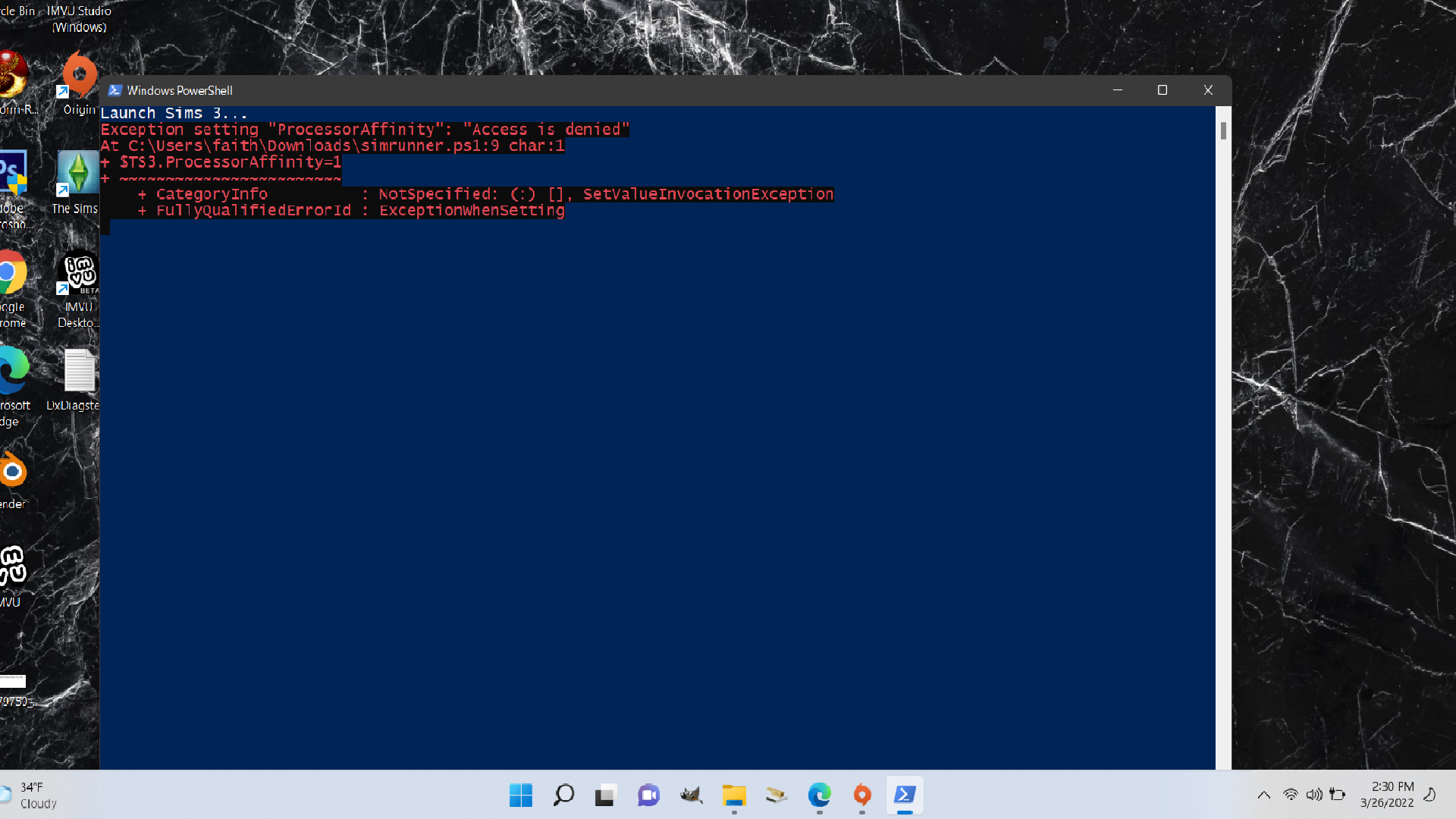
Sims 3 wont launch
I am having issues on my windows PC with origin. I just bought sims from origin but when I click to play it, it pops origin back up and nothing else happens. I have tried cleaning cache, I run origin as an administrator, windows are up to date, and I've tried reinstalling. I also have windows 11 but I've seen many people say they have no issues playing with windows 11. Someone please help I just want to play my sims :/
@FaithStreams Your dxdiag has the same error as that of players with 12th-gen Intel Core processors. Even though you don't have one of those (yours is a Celeron), you can try the fix they use, which is limiting the game to one processor core while it loads. Another player created a PowerShell script to do so:
Or you can use Process Lasso to manually limit the game to one core, then close Process Lasso once your save has loaded.