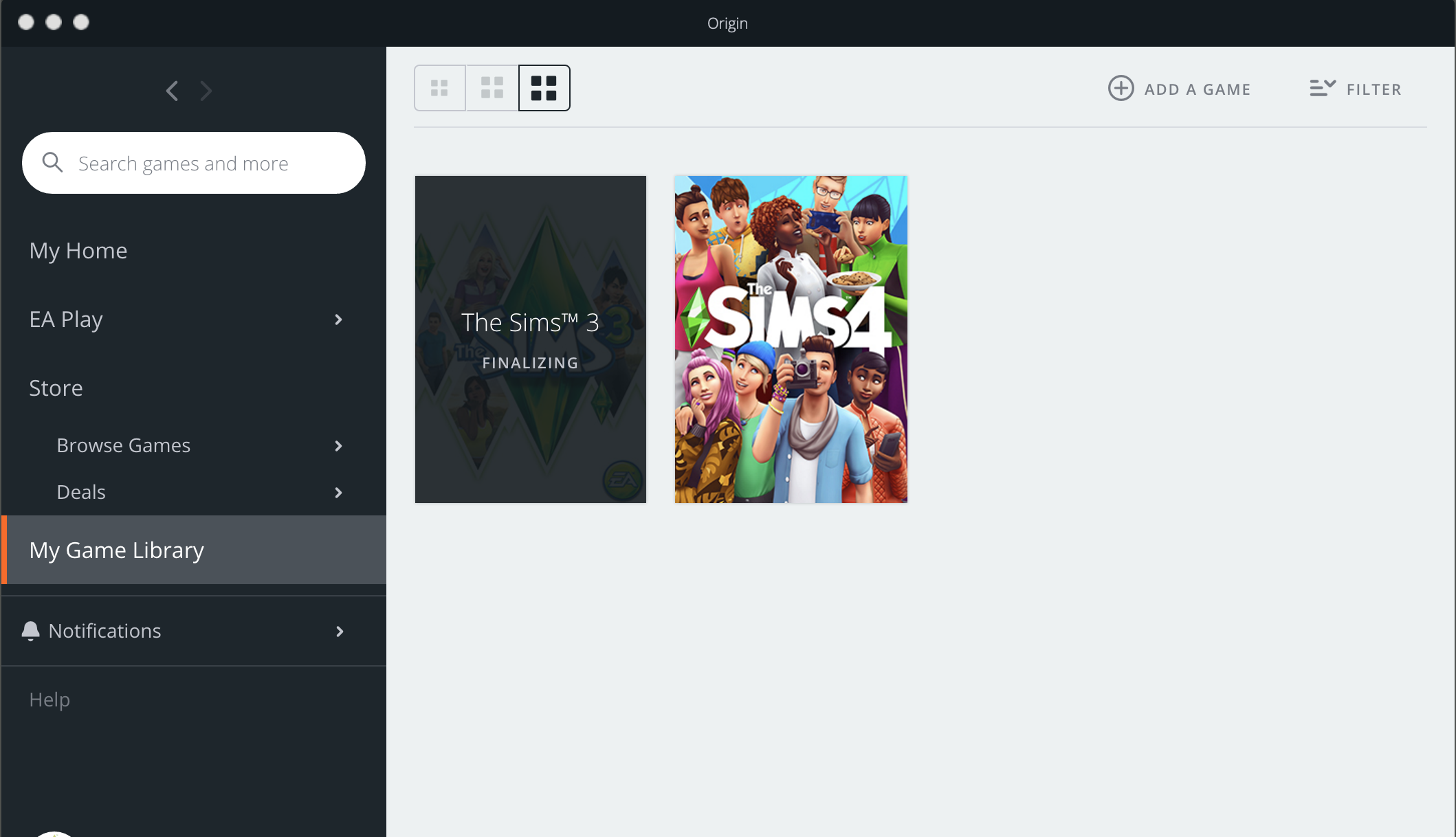
Hello, I have tried contacting EA and they have tried helping, but I am still having this issue. I want to finally install my sims 3 that I have had since 2009 onto my newer macbook pro (2018). I have macOS Big Sur. First, I had to disable the origin client technical previews, restarted mac and origin, was then seemingly able to install the base game. Then, it got stuck on "finalizing." If I click on the game icon in my game library, where the "play" button usually is it says "install" so I click that and get a popup. It says I need an external application and if I press install it will do that for me. Click install, a second popup says unexpected installation error code 327682:0. I then uninstalled origin ("the hard way"), and restarted macbook and, redownloaded origin, and restarted everything again. Same process and issues. I have attached 4 screenshots of what is happening for more detailed information. I would love to get to play this on my better computer! Thank you to anyone who has any insight.
Also, I do have my old sims 3 files on my computer (from a backup of my old mac) but I moved them to my desktop from my EA folder. Not sure if that effects anything. EA didn't seem to think it did. They tried to get me to uninstall TS3 through origin, but when I right click on the cog, there is no option to uninstall-only install--> leads to the errors. I have never had sims 3 installed on this macbook.