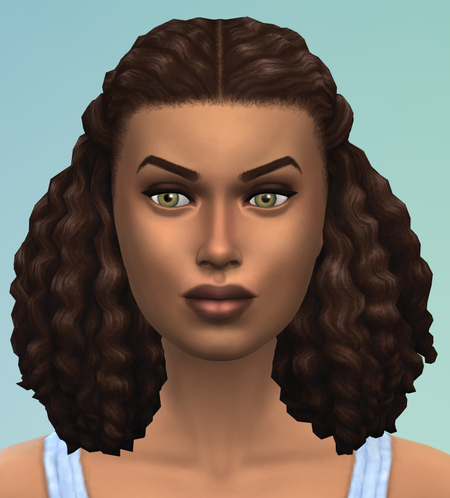
CAS facial features adjustment too slow with certain hairstyles
Windows

Hi feytales
thanks. Gave this a test and for me it's working fine although I only tested the first hairstyle.
Could you post your Computer's DxDiag?
- Press Windows-Key + R
- Type: DxDiag
- Click on Save all Information.
- Attach the Text File to your post

This kind of error is difficult to track down, there are however DirectX Graphics Kernel Subsystem (Dxgkrnl.sys) errors in your DxDiag, so lets start with the basics.