sims won't interact with furniture like chairs, beds etc
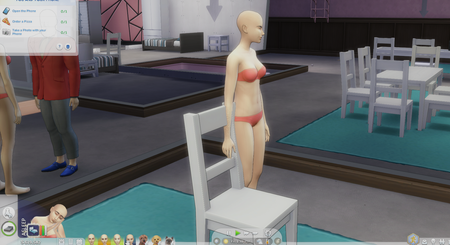

Did all of that and the problem persists. i dont have a repair option on either steam or EA

To repair the game if you are playing the game through Steam, open your Steam library, right click the Sims 4 tile, then select Properties > Local files > Verify integrity of the game files.
If you are playing it through the Ea app, go to your library, and on the Sims 4 icon there are 3 little dots in the top right hand corner. When pressing that, there is an option to repair.