Forum Discussion
Ella22711
27 days agoNew Rookie
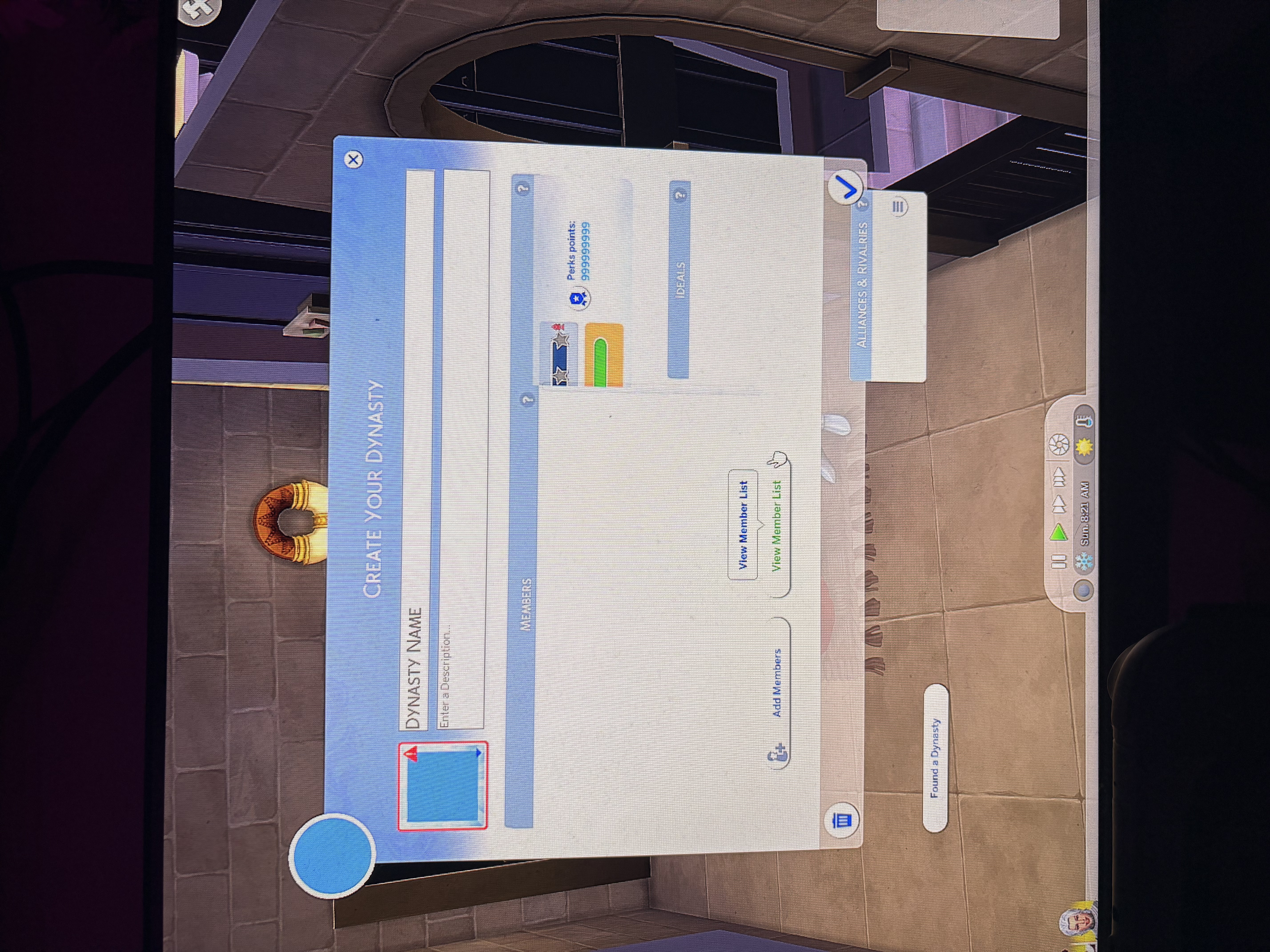
crinrict ok so quick update, the whole 99999999 perk thing seems to be okay? It doesn’t do it anymore, but I still have issues with my UI, like my dynasty still doesn’t work and it’s starting to annoy me because I really wanna play..the only way I can play is if I get rid of the pack entirely, which I don’t want to do..
oh and when I make a new dynasty instead it just shows the dynasty screen but with the people symbol.. (I don’t know how to word it) it’s just blank instead.

crinrict
27 days agoHero+
Hi Ella22711
so I tested your save and it looks like that particular dynasty is bugged out. Can't say why it happened but there seem to be two dynasties in the same household both without an actual leader so I'm guessing that's why it's bugging out.
I tried both a new household and one of the premades and created a new dynasty and that worked fine. It's hard to tell why that one bugged out but if you created it while having mods/cc in, it could be a mod issue.
I clicked on both Sims and made them leave the dynasty, then made a new one and that seems to work fine. That also deleted the broken ones.
Do you still have the save you tested without mods/cc ? Which one is that ?
- Ella2271126 days agoNew Rookie
I only turned my mods off for it, I didn’t make a whole new save, could it be an issue with my TS4SCRIPT mods?
- crinrict26 days agoHero+
I do suspect it's a mod issue yes. Maybe some UI mod. Something prevented your dynasty from being created properly.
Can you try moving the mods folder to the desktop and delete the cache files ?
Test a new save. Then try a backup of your save. Leave the two broken dynasties and try again.
- Ella2271126 days agoNew Rookie
hi! I created a new save before and deleted all my TS4SCRIPT mods and it still happened, but, I took away some PACKAGE mods I knew change the game, and I started a new save then and everything seems okay? From my POV it seems like it was one of apppendigo’s mods? Or a stay at home parent one, so I’m just starting up a proper save now to see if it’s still okay.
Featured Places