Game crashing or not loading especially after updating? Post here.
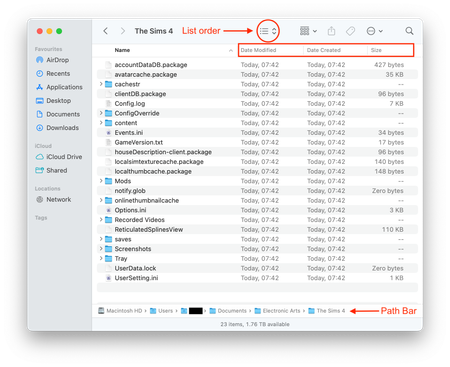


Sorry been MIA, haven't gotten round to uploading my save, but I've gotten my game back up and running!
Thought I'd leave what I did below:
- Remove all saves and mods from The Sims 4 folder
- Open the game, create a new save, go into settings and turn mods to on as well as for script mods
- Apply the changes and then quit the game
- Rename the new save if it contradicts the name of previous saves and place all saves and mods back into The Sims 4 file
- Open the game again and load up the broken save
Have been all good since! I have seen people say that their game is super laggy with this work around after the new update which might also be coming from my mods (way too many but we vibe).
Looks like EA is aware of the issue from the thread you suggested but hopefully people can use the above to get back into their games!
Ah great! Sounds like it was that issue with the Resume Game save the game was trying to load 🙂 nice job fixing it!