[CURRENT ISSUE] Sims 4 Problem With Your Game's Setup


Hi,
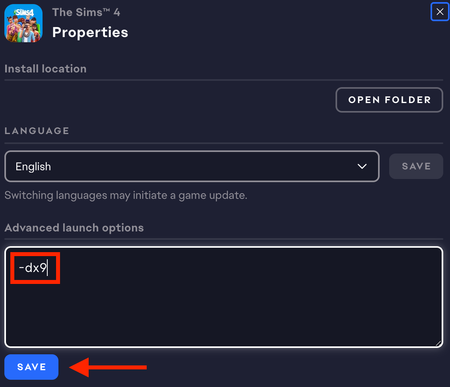
I’ve been running Sims 4 on DX9 for months because it works best for my HP laptop. However, today I uninstalled GShade and ever since, my game has only been able to launch in DX11 and when I try to launch my game in DX9, it does not open and I get a pop up instead (attached below). Does anyone know how to fix this?
Mumumw I think that deleting the Bin folder and repairing the game should have removed everything GShade-related... unless you added it back, in which case that's probably the issue. You already manually reinstalled DX9, that is if the installation process didn't throw an error, so that's less likely to be relevant.
Still, you can try a clean uninstall and reinstall of Sims 4 to be absolutely sure there's nothing left over.
📓[GUIDE] [PC] How to Clean-uninstall Sims 4 | EA Forums - 12636503
I would also try the other suggestions in the thread I linked, and check your antivirus for any recent actions involving Sims 4, the EA App, GShade, or anything else that could be related to the game.
Hi, it turns out I had a leftover GShade file in my bin. I’ve deleted it and now my game is able to run in DX9. Thank you for your help!