[CURRENT ISSUE] Sims 4 Problem With Your Game's Setup
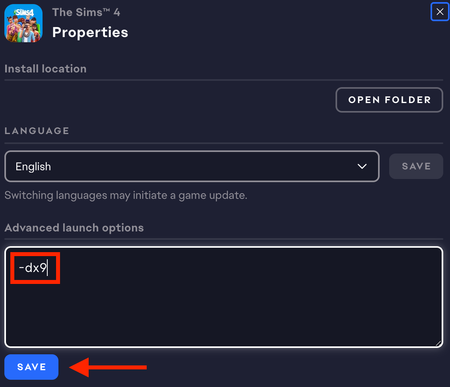

coraloramora Try playing in a new admin Windows account. Make it local, as in, don't link it to your Microsoft account or any email address. (You can keep saying you don't have that info until you see some security questions instead.) You'll be able to at least try to play without reinstalling anything.
If that doesn't help, try a clean boot:
The one service to leave enabled is the EABackgroundService, which the EA App needs in order to run. Disable the rest as described.
When you reboot your computer, go through the Task Manager's background processes list shutting down any service that doesn't absolutely need to be running, for example anything from MSI Afterburner to RGB software might still be enabled. If you accidentally kill a critical process and it doesn't restart on its own, just reboot your computer again.
Don't open anything other than Sims 4 and the EA App while testing, not even a browser window.
If this helps, you can selectively reenable services until you find the culprit, then either leave that disabled or (if it belongs to an app you want to keep using) let me know what it is so we can try to fix the underlying issue.
Doing a clean boot also didn’t work but I noticed something weird?
I use steam for sims 4 so when I just clicked on the sims 4 on my desktop it would open steam and try validating files? This happened while the ea app wasn’t active but working in the back, but when I opened the ea app first then clicked on the sims it opened steam again and the usual error would come up unfortunately
does this mean anything???
Still no luck even after the new update :( sooo confused