Forum Discussion

jpkarlsen
8 years agoHero (Retired)
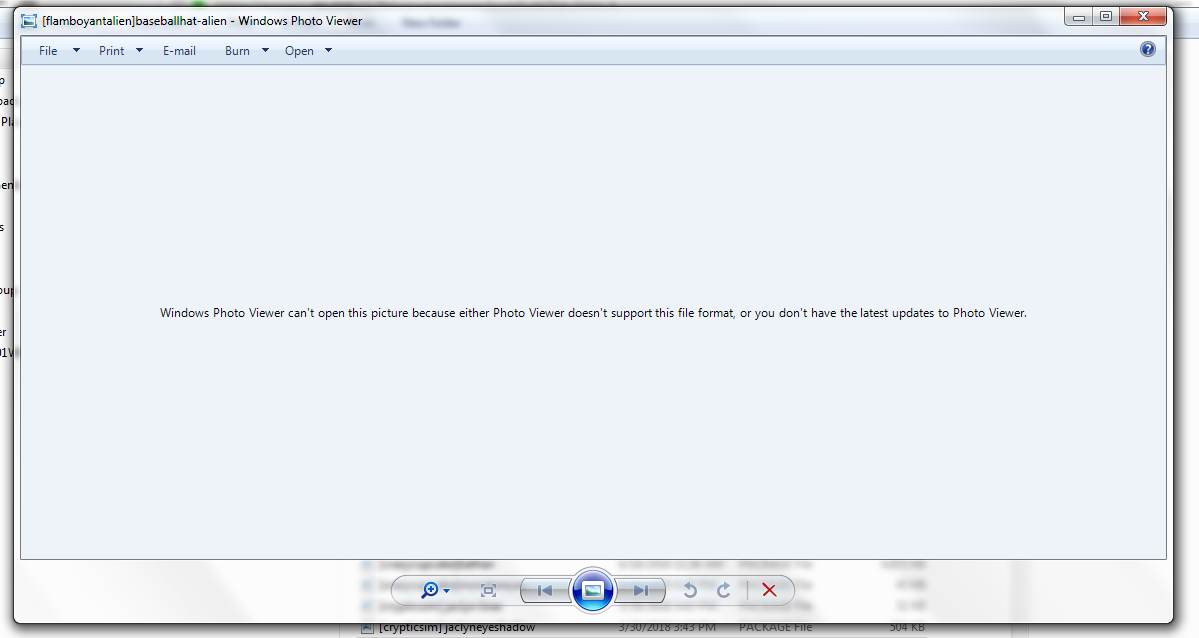
Lets clear up one thing first. The .package files are NOT saved in an image format. What happened is that you at one time tried to open a .package file with Photo Viewer causing Windows to associate that file type with Photo Viewer and assign its icon to it.
It is possible to reset fileassociations to their default. Google "How to reset file associations in Windows XX" where XX is your version of Windows. It is however not needed as it has no influence on how the file works.
Next there is your .rar files. Use WinRAR or another packing program that can handle these to extract the files in them. I will recommend you sort them into folders to make it simpler for you to test your Mods and CC when the game is updated there is a good chance that at least some of them needs to be updated as well.
Lastly you should have read the install instructions where you downloaded from. Mods and CC goes in your Mods folder. Do not put the .rar files there. I can also see that you have files that belong in the Tray folder (houses, Sims and some other stuff go there.
Also remember to enable Mods and CC in Game settings
Lastly you have some that say V1,V2 and so on these may be intended for various game versions. Again please read the install instructions you may only need the latest version.
Only add a few at a time to your Mods folder then test that the game works. If you add all at once and some of them do not work you would need to remove all again and start over testing what works.
Featured Places